4 Touch Screen Operation
UPS IST7 (10KVA-40KVA)
User Manual
66
4.8 ON\OFF Operation
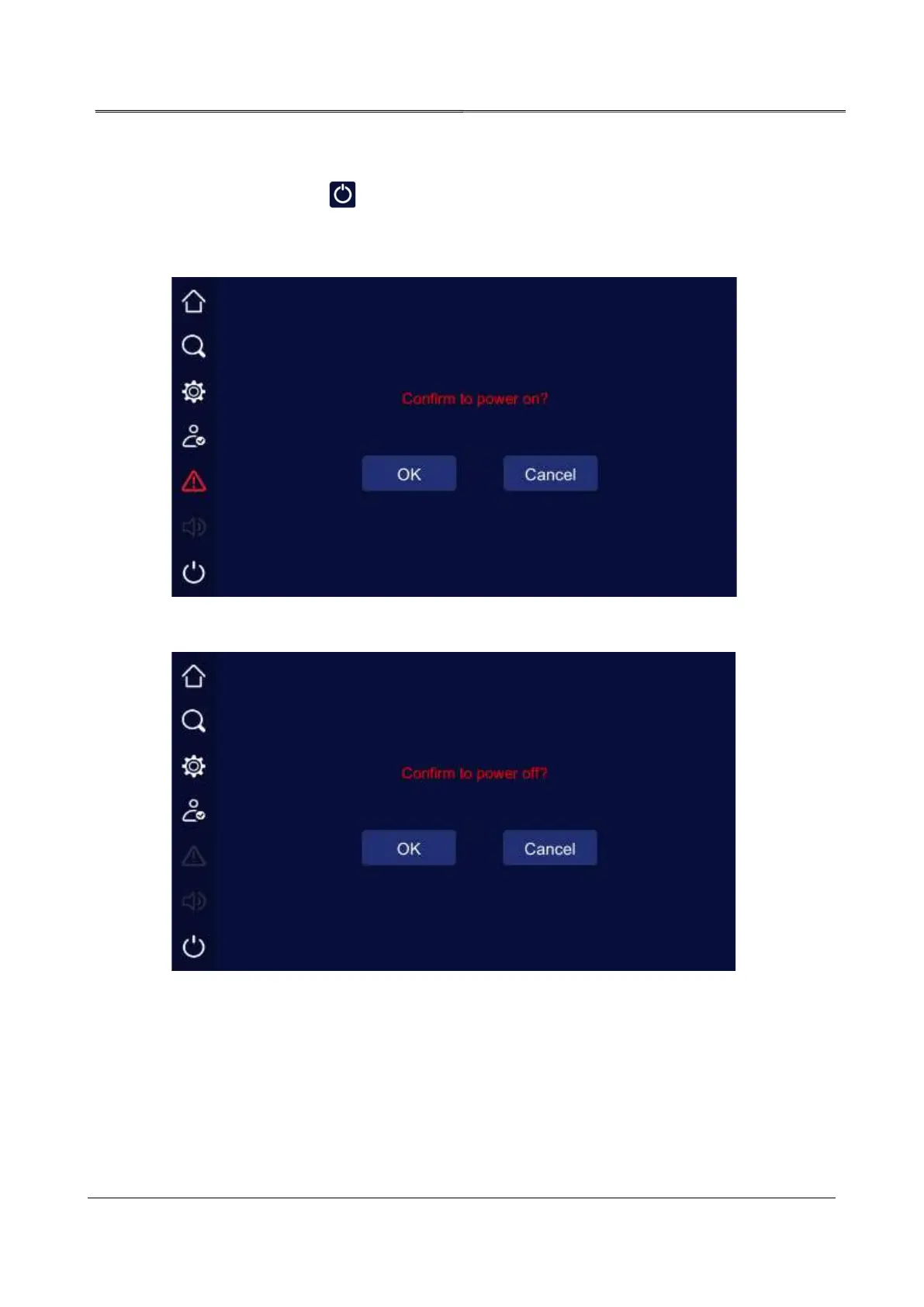
In main page, click " " icon, the UPS can be started or shutdown. When the UPS is
shutdown, click the icon, it will show “confirm to power on?”, when the UPS is started, it will
show “confirm to power off?”.
Confirm to turn on page
Confirm to turn off page



 To Next Page