4 Touch Screen Operation
UPS IST7 (10KVA-40KVA)
User Manual
58
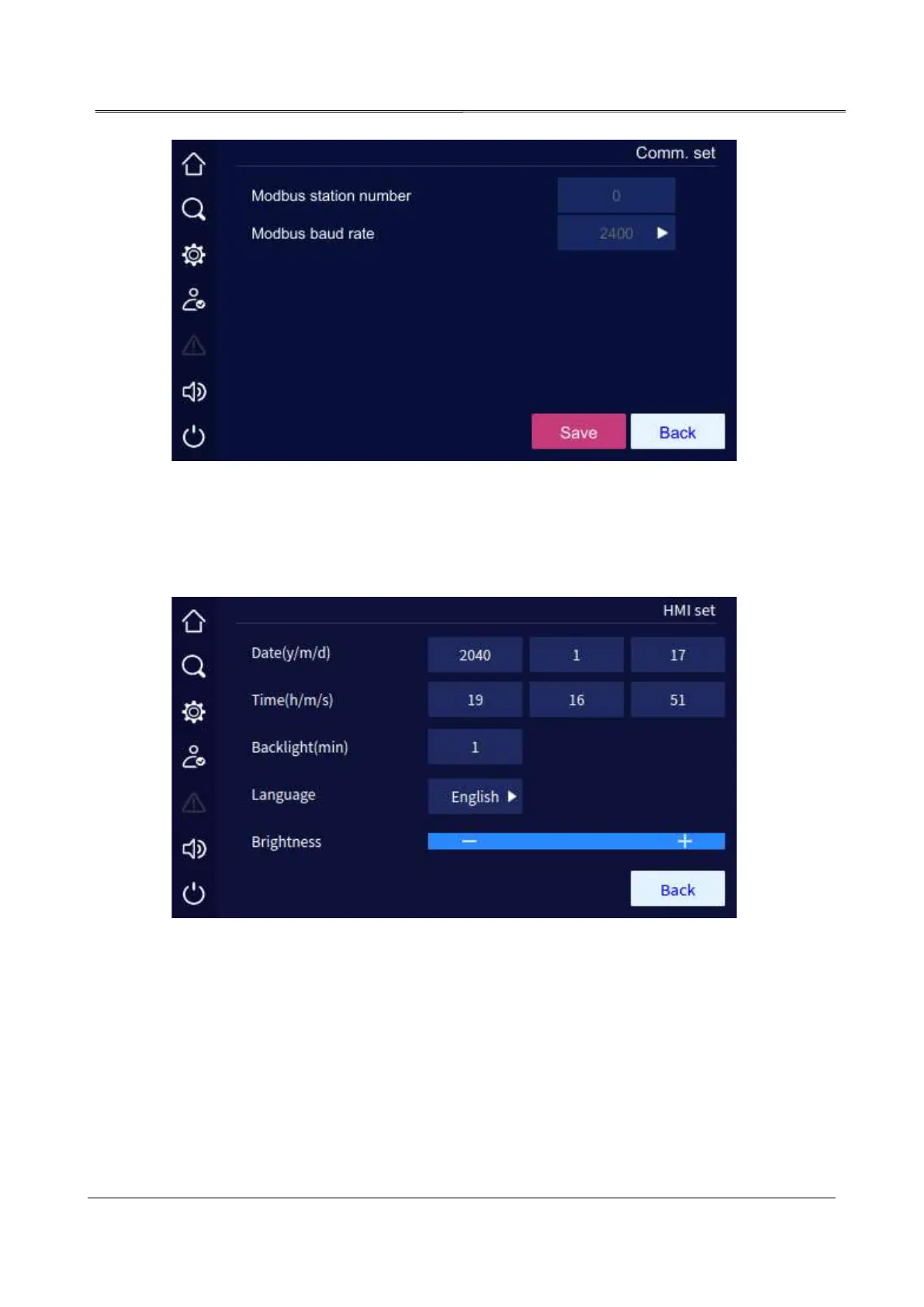
Communication setting page
4.5.5 HMI Setting Page
In screen setting page, user can set the date, time, language, backlight and screen saver.
Screen setting page
4.5.6 Password Setting Page
In setting management page, click password setting icon, it will enter the password setting
page.



 To Next Page