4 Touch Screen Operation
UPS IST7 (10KVA-40KVA)
User Manual
44
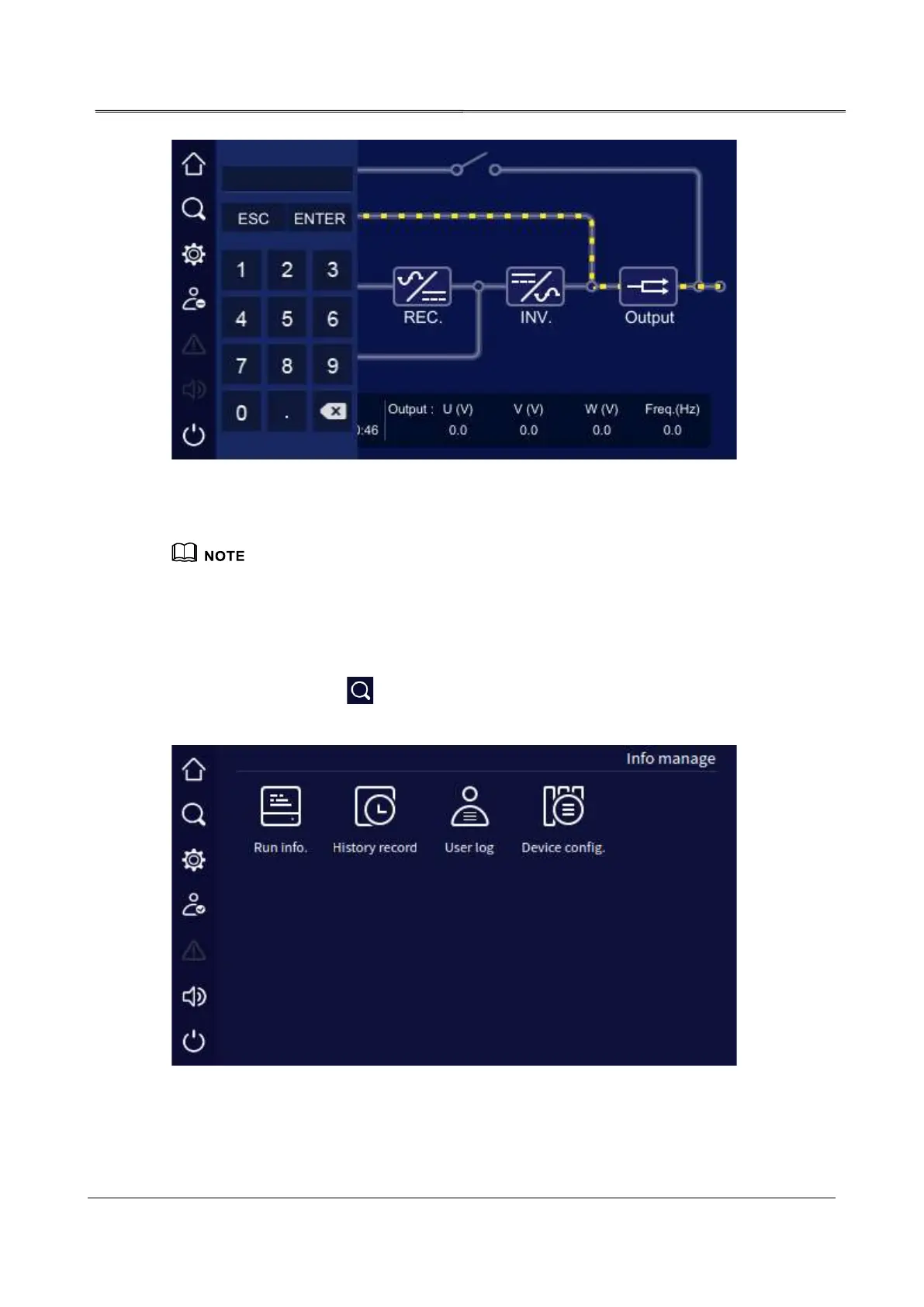
Login page
The password for common user is 111, the password for administrator is 222. Common user can check
the parameters only, administrator can check and set the UPS parameters.
4.4 Information Management Page
In the main page, click " " icon, it will enter the information management page. The page
includes run info, history record, user log and device config.
Information management page



 To Next Page