4 Touch Screen Operation
UPS IST7 (10KVA-40KVA)
User Manual
46
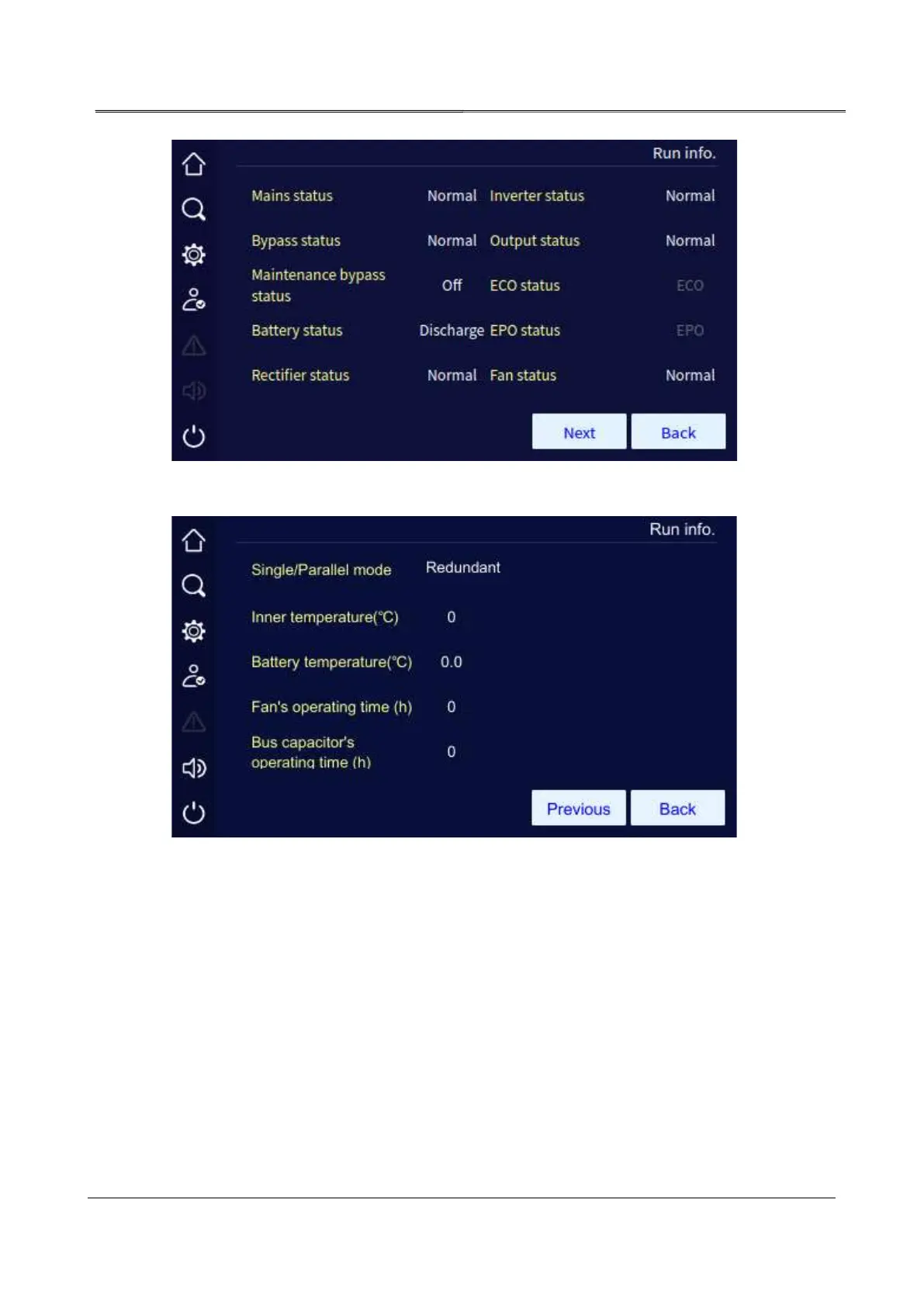
Working status page 1 (parallel UPS)
Working status page 2 (parallel UPS)
4.4.1 History Record Page
In the information management page, click event log icon, it will enter the history record page.
The page shows the fault and alarm information, and they are listed on the basis of time. The
first record is the latest fault.



 To Next Page