4 Touch Screen Operation
UPS IST7 (10KVA-40KVA)
User Manual
48
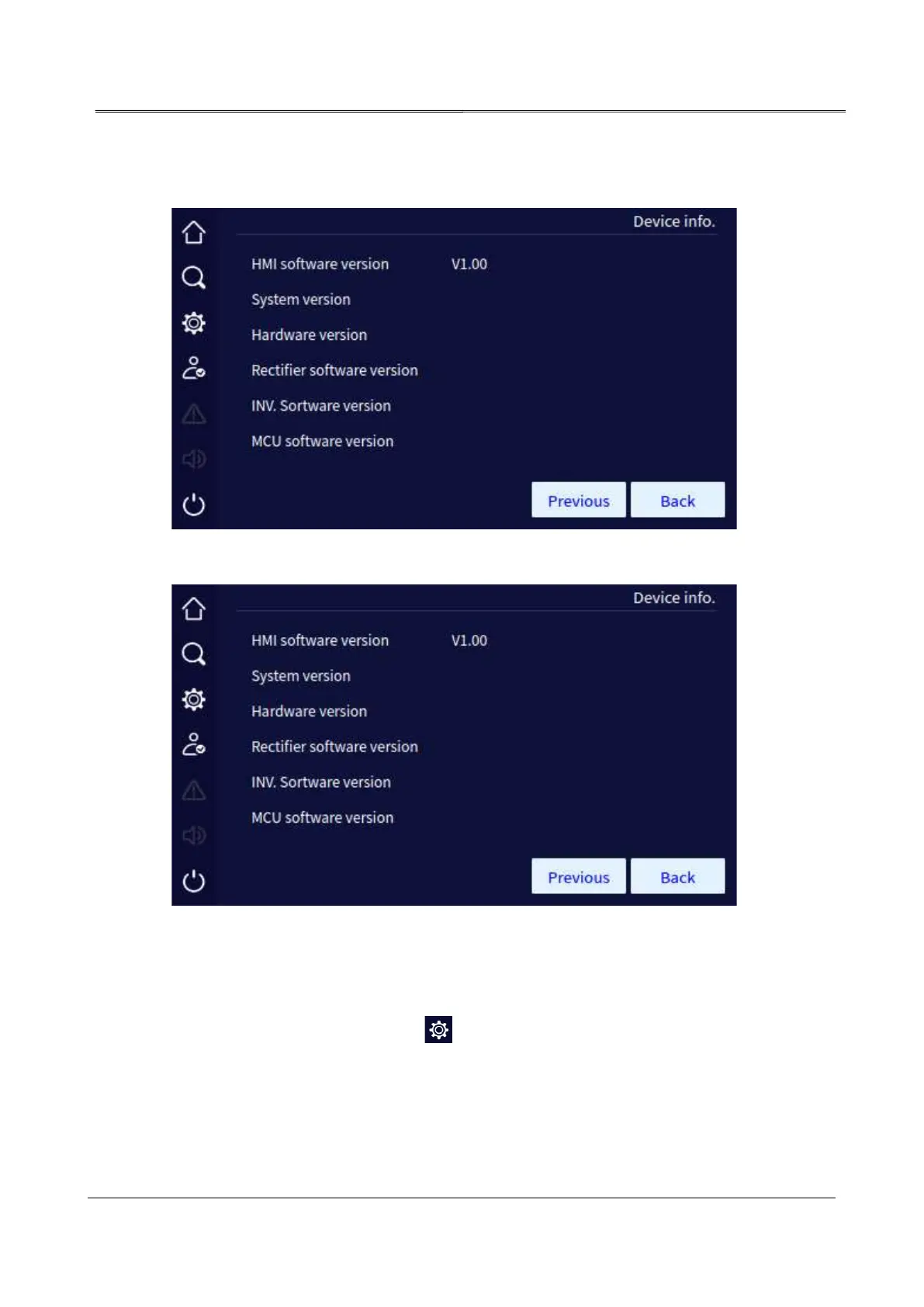
information includes serial number, rectifier version, inverter version, system version, protocol
version and HMI software version, etc.
Device information page 1
Device information page 2
4.5 Setting Management Page
In the main page, after login, click " " icon, it will enter the setting management page. The
page includes: system manage, battery manage, battery test, log manage, communication
setting, screen setting, dedust setting and password setting.



 To Next Page