EasyManua.ls Logo

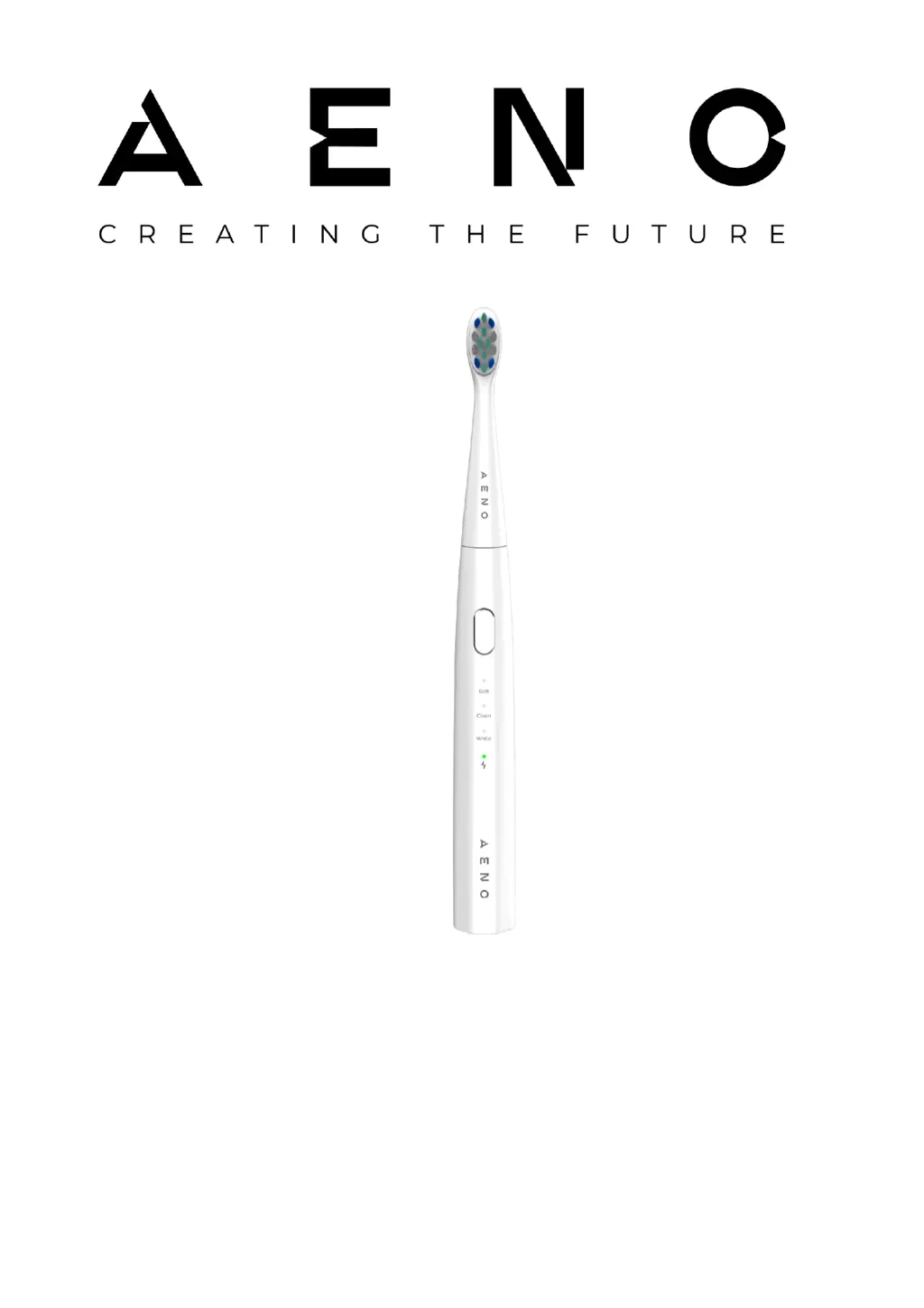
AENO DB7 - User Manual

AENO DB7
42 pages
Print Icon
To Next Page IconTo Next Page
Loading...
AENO Toothbrush Operation Manual
ADB0007, ADB0008 Models
Version 1.0.0 | October 2023

Table of Contents

Other manuals for AENO DB7

Questions and Answers

  • D
    Daniel ThompsonAug 10, 2025
    Why AENO DB7 Electric Toothbrush does not turn on?
    • J
      Jason RodriguezAug 10, 2025
      If your AENO Electric Toothbrush isn't turning on, the battery might be discharged. To resolve this, charge the device for at least 4 hours.
  • M
    Matthew SteeleAug 20, 2025
    What to do if AENO DB7 is not charging?
    • W
      William ReynoldsAug 20, 2025
      If your AENO Electric Toothbrush is connected to a power supply but not charging, it could be due to a couple of reasons: * The socket may not be working. Check the socket by plugging in another device. If the socket is not working, connect the toothbrush to a working socket. * The device might not have been used for a long time. Connect the device to a power supply and wait about 15 minutes. If the battery charge indicator still doesn't light up, contact an authorized service center.
  • G
    Gail RamirezAug 31, 2025
    Why AENO DB7 Electric Toothbrush has short operating time?
    • C
      Christine CostaAug 31, 2025
      If your AENO Electric Toothbrush has a short operating time after a full charge, it may be because the device has not been used for more than 6 months and therefore does not hold its charge. In this case, contact an authorized service center.

AENO DB7 Specifications

General IconGeneral
BrandAENO
ModelDB7
CategoryElectric Toothbrush
LanguageEnglish

Related product manuals