AENO™ Toothbrush Operation Manual
© ASBISC Enterprises PLC. All rights reserved Document version: 1.0.0, aeno.com
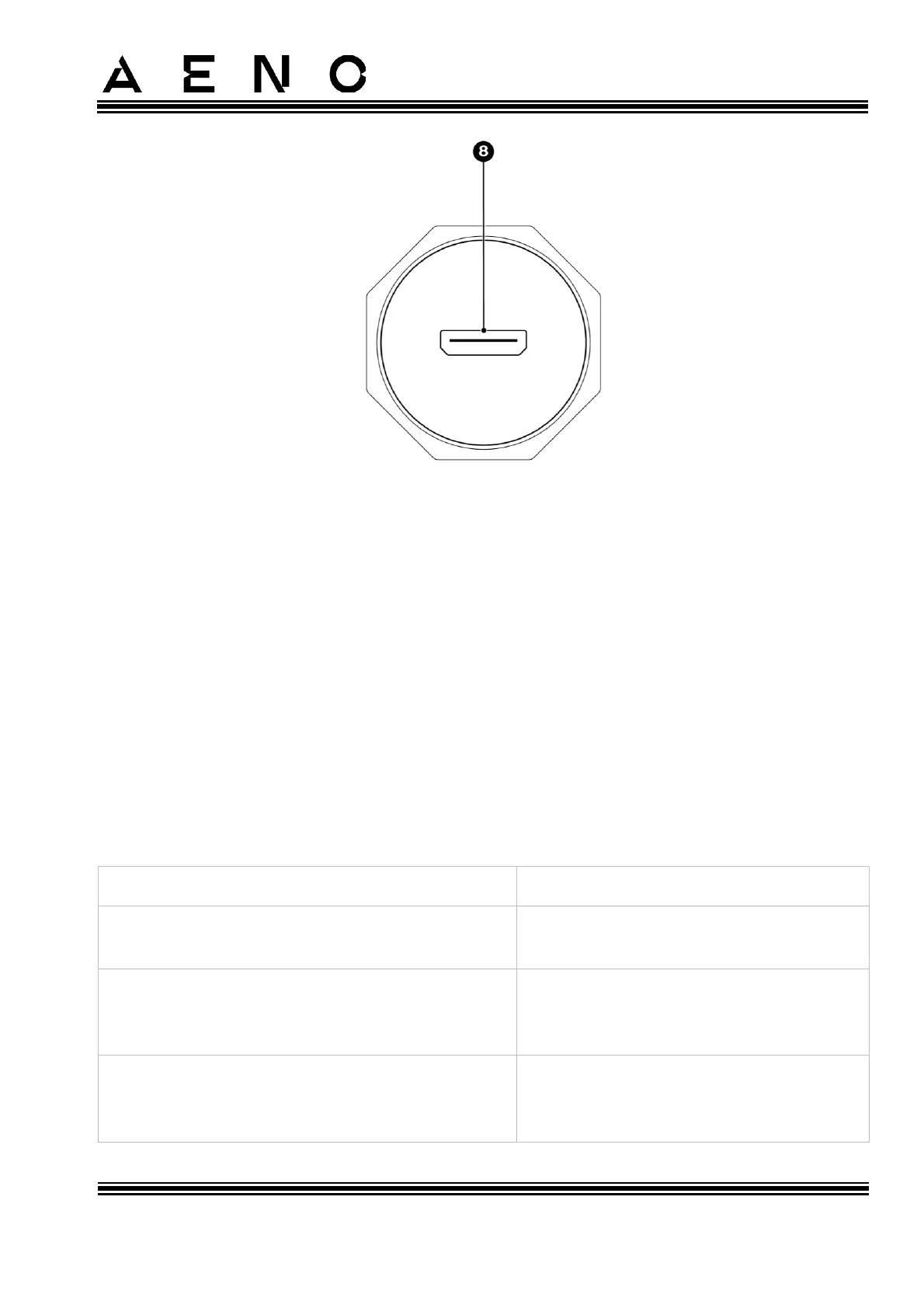
Figure 2 – Device Elements
Device Elements (see Figure above):
1 – Bristles of the replacement brush head;
2 – Replacement brush head;
3 – Handle;
4 – Power button;
5 – Operating modes indicators;
6 – Battery charge indicator;
7 – Protective cover;
8 – Micro-USB port.
Table 1 – Power Button Functions
Press once
(the device is turned off)
Press once
(the device is turned on, and it has been less
than 5 seconds since it was turned on)
Press once
(the device is turned on, and it has been more
than 5 seconds since it was turned on)



 To Next Page