ATTENTION!
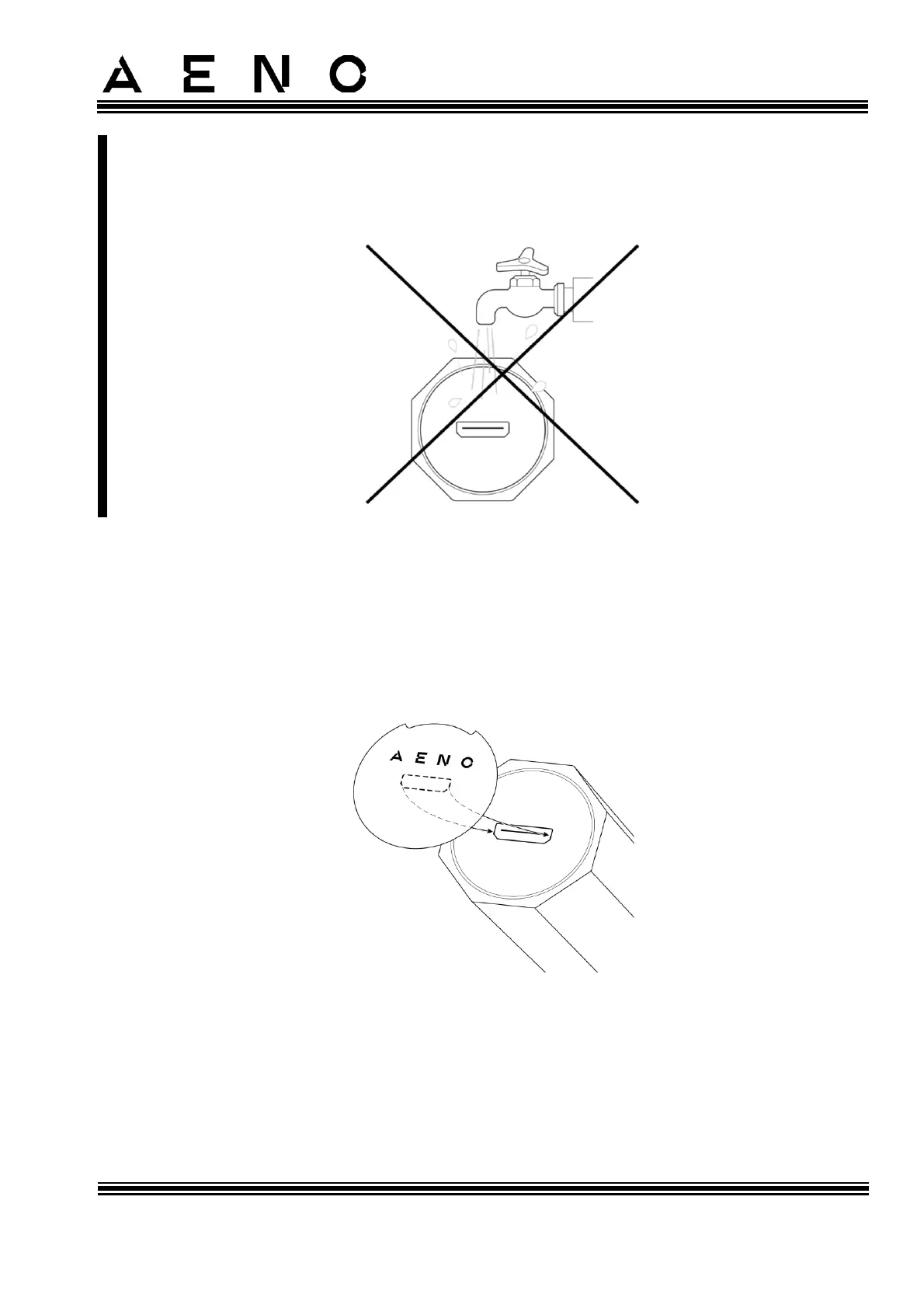
The protective cover ensures that the micro-USB port of the device is waterproof.
Remove it only for charging. If the protective cover is removed, do not allow water
or other liquids to enter the port of the device.
3. Connect the device to a power supply using a USB (A) / micro-USB cable.
4. The LED battery charge indicator will light up yellow. When the LED indicator
turns green, the battery is fully charged.
5. When charging is complete, disconnect the device from the power supply, and
then disconnect the cable from the micro-USB port.
6. Insert the protective cover into the device handle as shown in the Figure below.
Figure 6 – Installing the Protective Cover



 To Next Page