Page 31 of 42
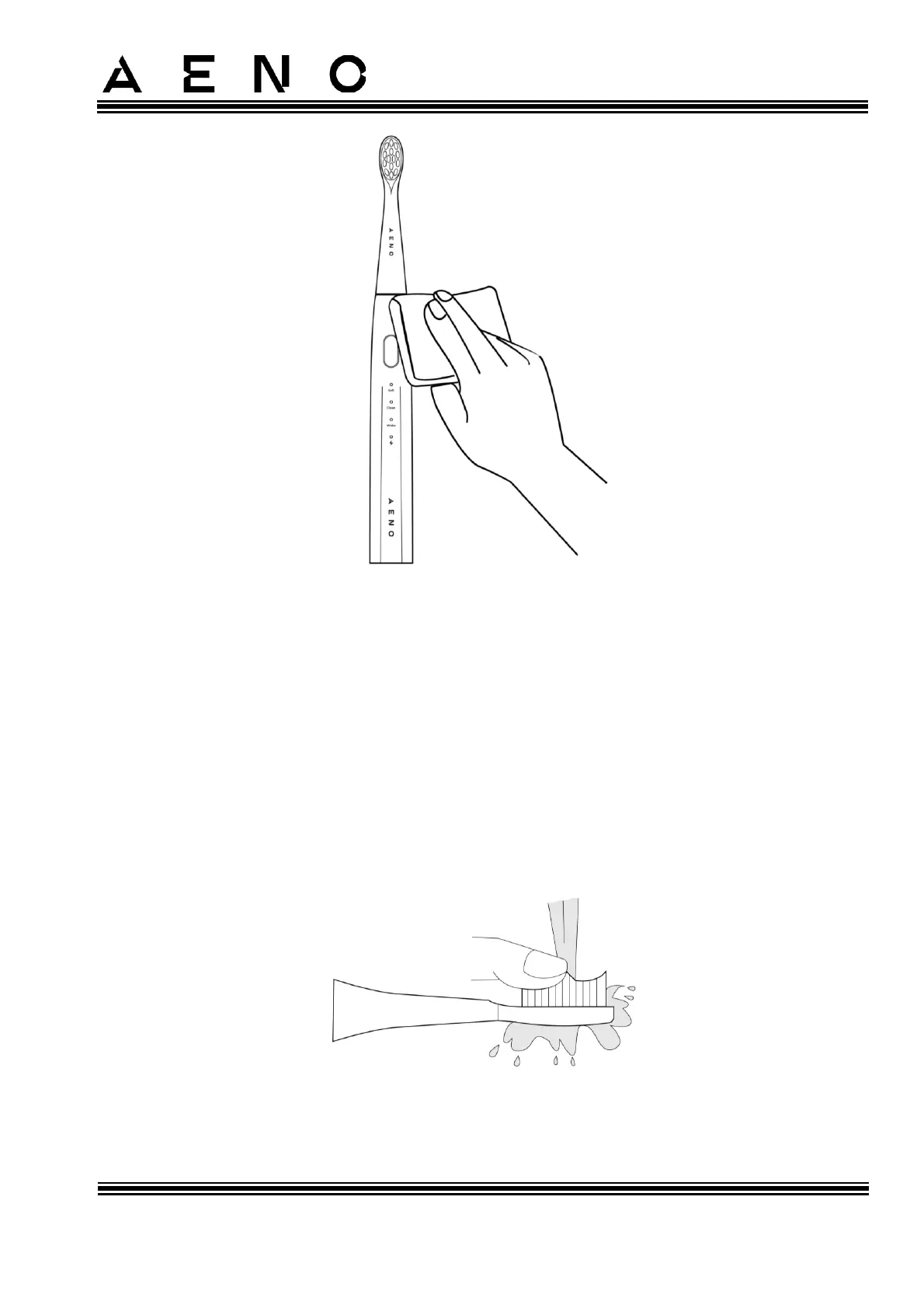
Figure 15 – Cleaning the Device Handle
If the device is very dirty, you can clean the device handle with a cloth dampened with
clean water and a dishwashing detergent applied to it. Turn off the device and wipe it
with a cloth with a small amount of a dishwashing detergent. Afterward, rinse the
device under warm running water or wipe it with a cloth dampened with clean water,
and then wipe it dry.
3.2 Cleaning the Replacement Brush Head
After turning the device off, rinse the bristles under running water (see Figure below).
You can wash the brush head either on the device handle or separately from it (after
removing it).
Figure 16 – Cleaning the Replacement Brush Head



 To Next Page