27
USING THE UNIT
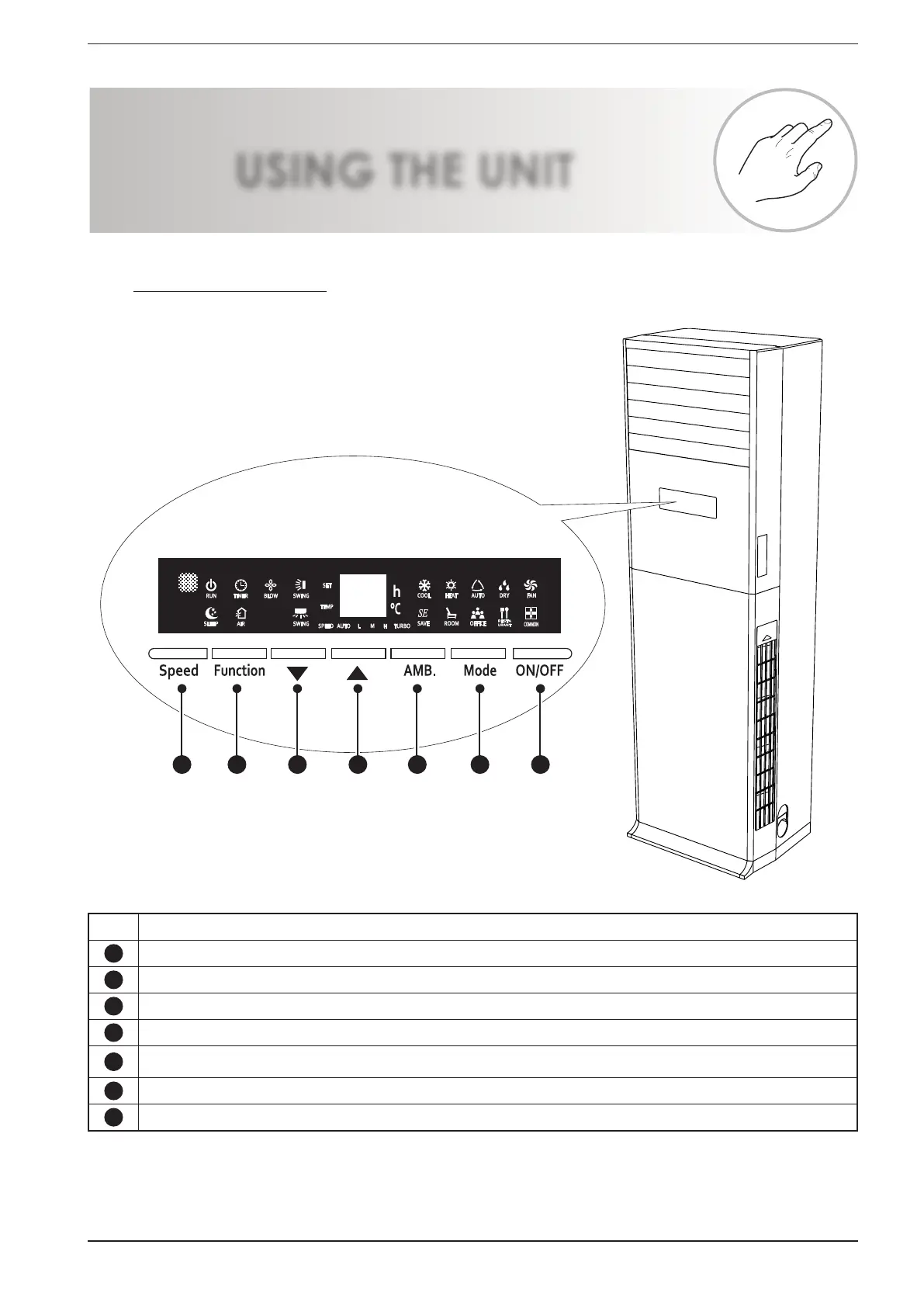
15.2. PANEL ON THE MACHINE
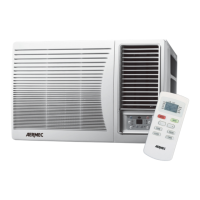
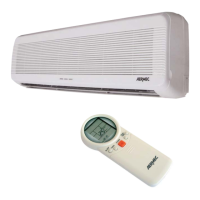
All functions of the air conditioner can
be set using the machine's on board
panel, or with the supplied infra-red re-
mote control, however please note that
some functions (such as the settings on
the type of environment) are only avail-
able via the machine's on board panel.
interface commands on the machine
1 2 3 4 5 6 7
Alarm Function of the button:
1
Selection of the various fan speeds
2
This button allows to scroll through the various available functions
3
Allows to increase a value, or to activate a function selected with the "Function" key
4
Allows to decrease a value, or to deactivate a function selected with the "Function" key
5
Allows to set an automatic program based on the type of environment in which the unit is installed (Programs: energy
saving, home, office, restaurant, common)
6
Allows to select the operating mode (Cooling, Heating, Dehumidification, Fan Only or Auto)
7
Allows to switch the unit ON and OFF:


 To Next Page