CHAPTER 13
48 49
SOLO 2
Our technicians and engineers are constantly working to improve both the firmware
(the application that manages your device) and the software (the application you
install on your PC).
Each time a new firmware and/or software version is available the icon here above
appears with an arrow indicating that something is available for download (otherwise
the icon only shows the cloud).
Click it and freely download the new applications.
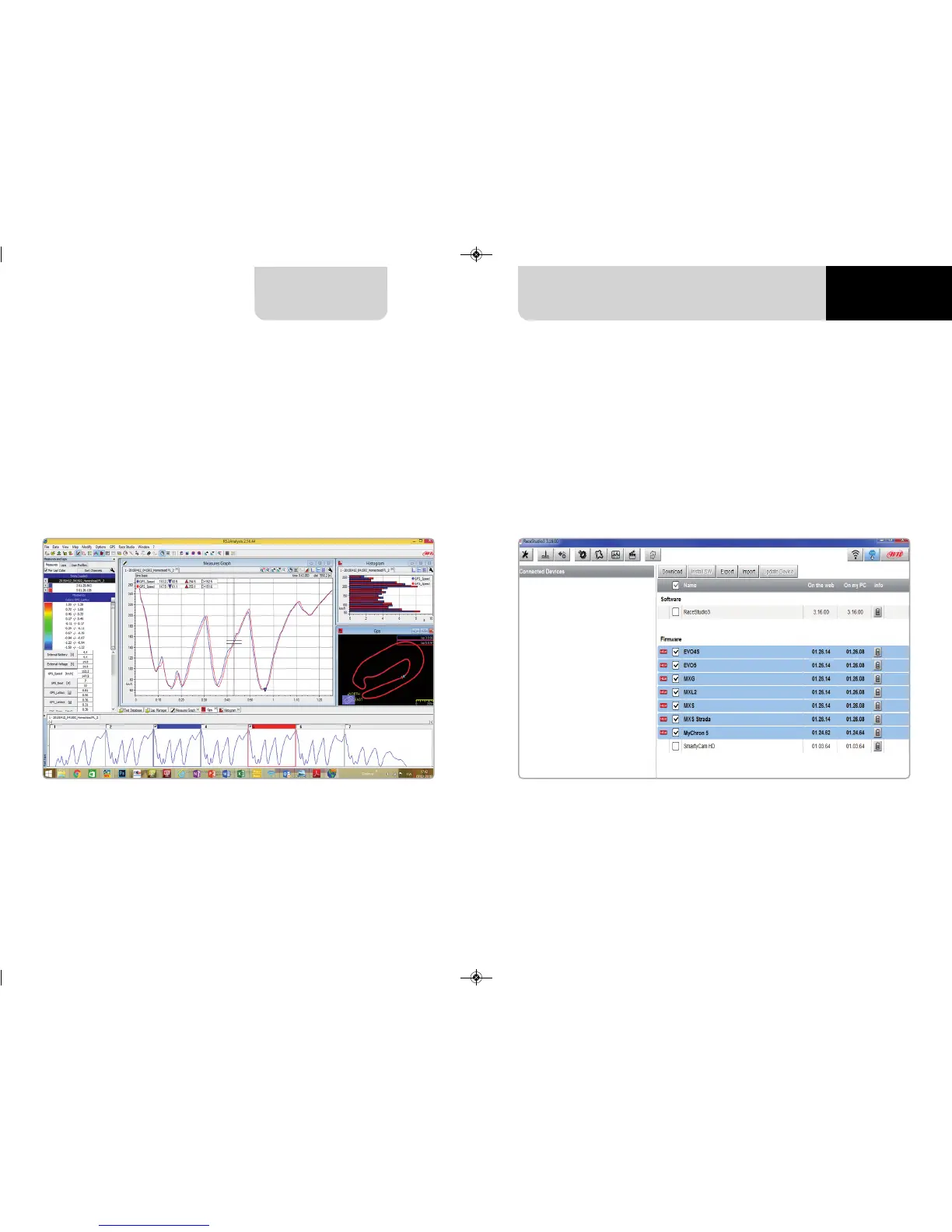
Select your file double clicking on it and start analysing it.
A lot of pages, graphs and images will help you analysing your data in the best way.
Once the new firmware has been downloaded, connect your device to the PC via
Wi-Fi to perform a firmware upgrade.
In a few seconds, the device is ready.
13. New firmware upgrade


 To Next Page