4. At power ON 5. Configuration menu
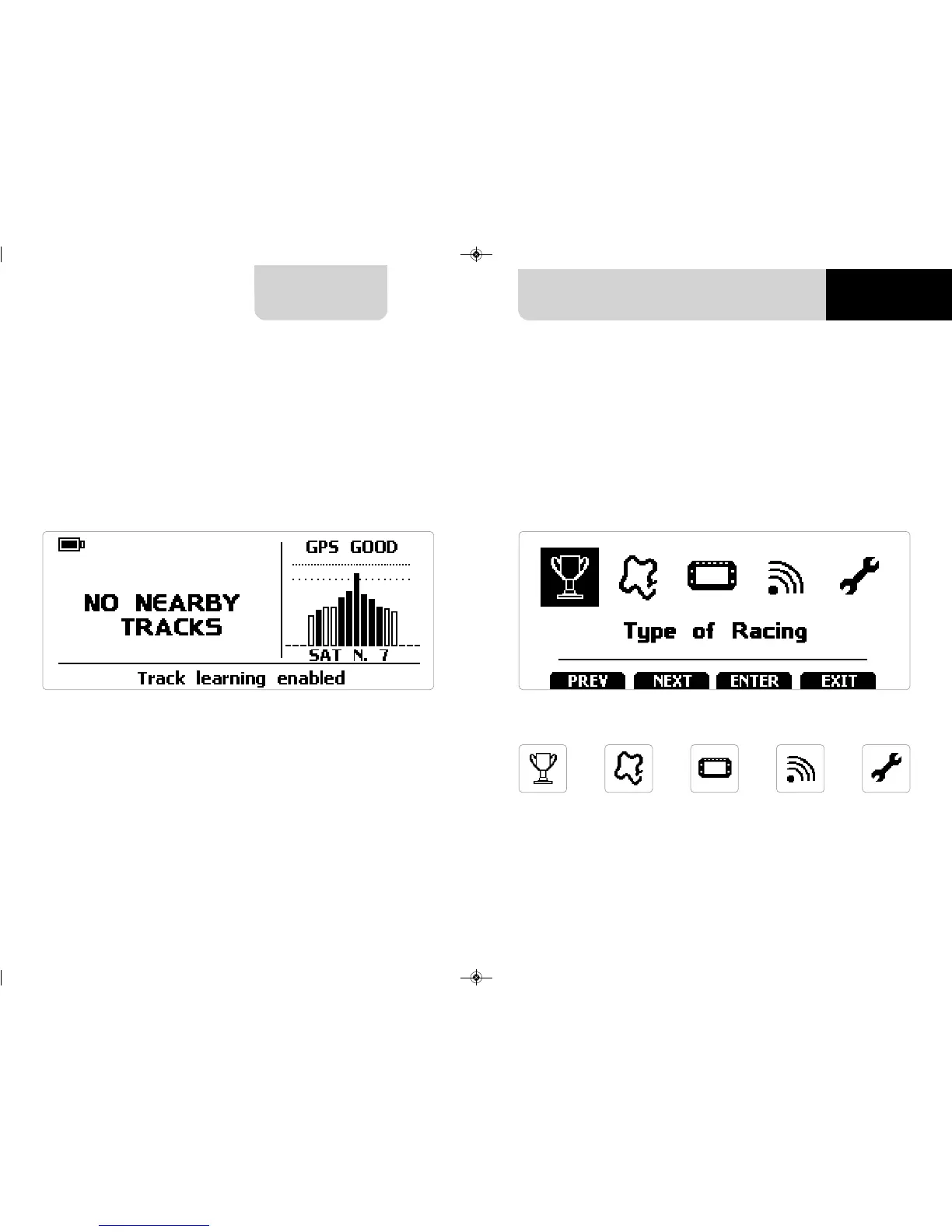
When switched on Solo 2 shows satellite page.
To optimize the display management, the keyboard disappears when not necessary.
Please, simply press one of the pushbuttons for making it show up again.
Before using your Solo 2 you need to set some parameters as explained here below.
Press “MENU” and this page shows up.
The icons are to manage:
CHAPTER 4
10 11
SOLO 2
System
settings
Wi-FiDisplay
setup
Type
of racing
Tracks
Management


 To Next Page