11
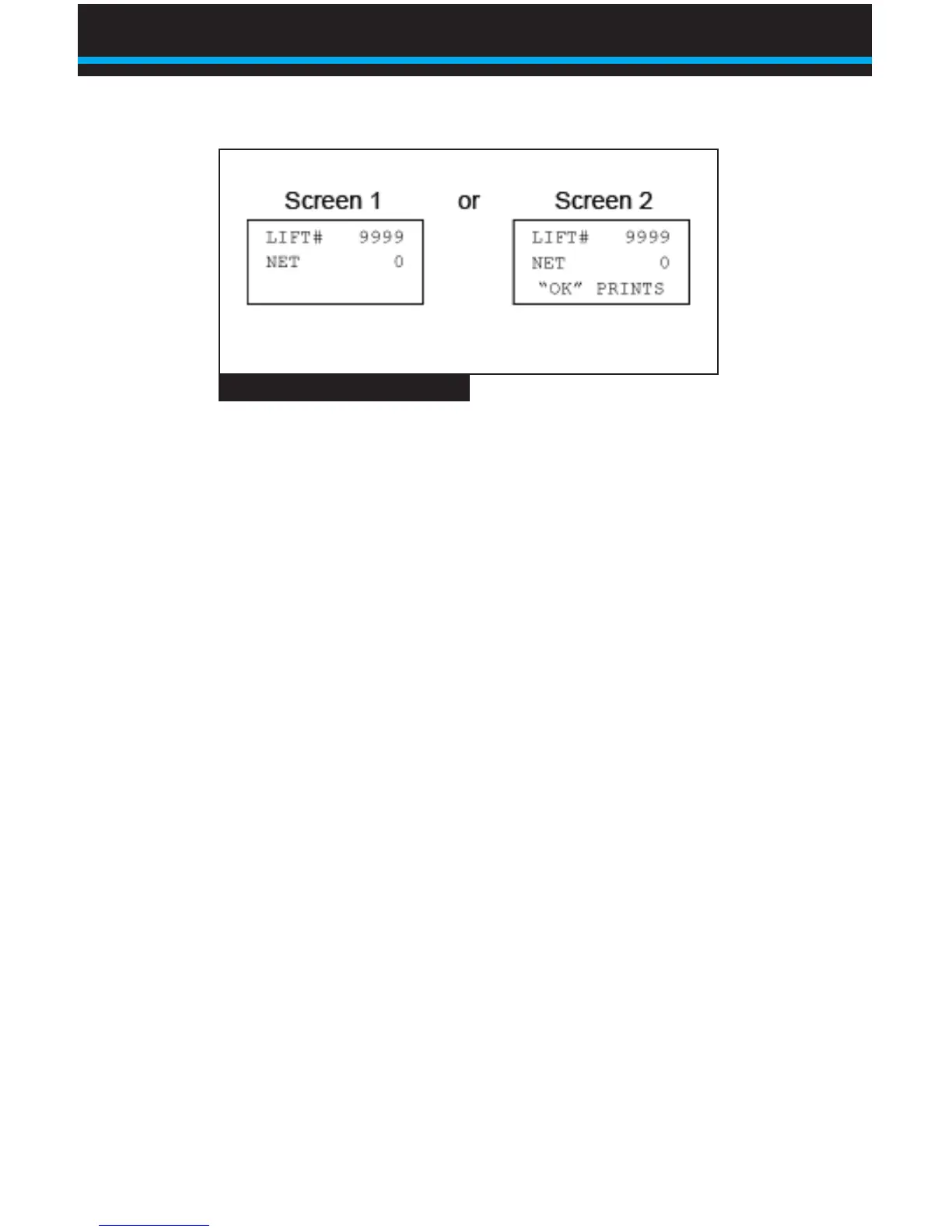
If Screen 1 appears, the printer is not connected or is not turned on,
or you have chosen to use BinMaxx’s RS 232 port for data stream
output rather than printing. The ComLink will record all data, which
can be printed or transferred at a later time. For data stream output
rather than printing, reference the document BinMaxx, Output Data
Stream on RS232 Port.
If Screen 2 appears, BinMaxx recognizes the printer and it is
turned on. Note that you must turn on the printer manually; it will not
automatically turn on when BinMaxx does If you would like to print
lift data, see the section entitled Printing Lift Data.
NOTE: Air-Weigh’s date and time printer must be connected to
the scale and turned on in order to record the current date and
time. If the ComLink does not detect a printer, it will record an
elapsed time but not a current time.
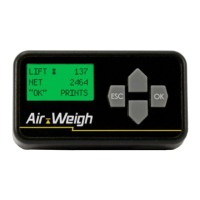
Fig. 1 BinMaxx Weight Display
Using BinMaxx | Navigating the Weight Display


 To Next Page