13
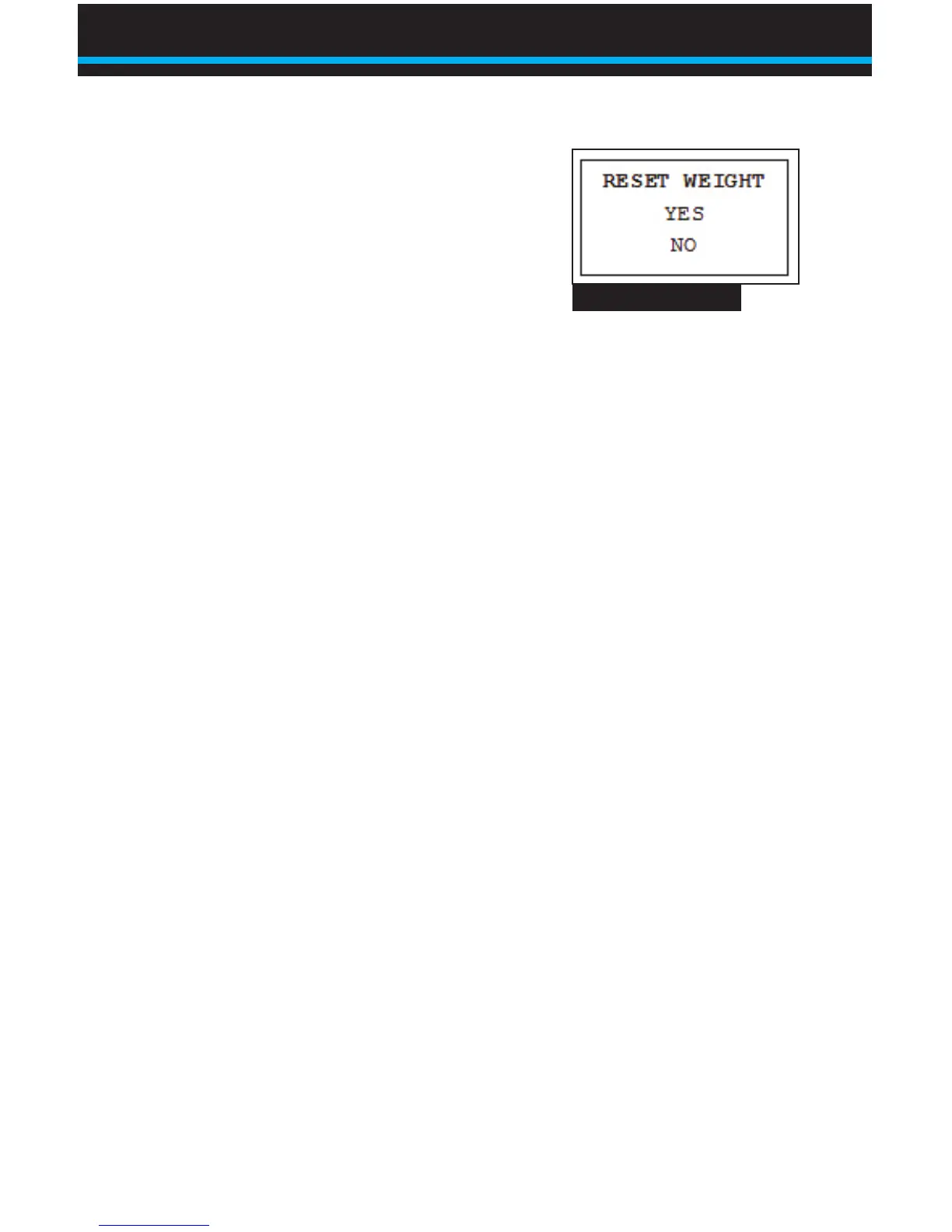
5. Press OK to select RESET WEIGHT.
The screen will read ACCEPTED,
then switch to the display menu. The
lift number and net weight will now
read 0.
Note: If you do not want to reset lift or weight data, select NO
on either menu or hit ESC until you see the main menu, shown
in Fig. 2.
Erasing Lift Data
BinMaxx can store up to 1000 lifts and associated data. You can
print or transfer the data at any time. If the ComLink has stored
1000 lifts without being cleared, new lifts will not be recorded and
the operator will see an error message reading MEMORY FULL,
NO RECORDINGS. It is a good idea to periodically erase lift data to
avoid this error.
1. From the weight display, press ESC to reach the main menu
(Fig. 2).
2. ERASELIFTSorPRINT,ERASEwillash.PressOKto
select.
3. ThemenushowninFig.3willappear.Press▼untilERASE
ALLisashing.PressOKtoselectERASEALL.
4. The screen will read USE CAUTION! PUSH “OK” TO ERASE
ALL. Press OK again to delete all lift and weight data from the
BinMaxx scale.
Fig. 5 Reset Weight
Using BinMaxx | Resetting and Erasing LIft Data


 To Next Page