19
Setting Your Calibration Weights
Since setting up your empty and heavy calibration weights is part of
the calibration process, see the Calibration section, p. 2, for more
information.
Setting Up Date and Time
Use this setup option to set correct date and time information, which
will display on documents printed with the Air-Weigh date/time
printer. This option is only for use with the printer.
1. From the weight display, press ESC to reach the main menu.
2. Press▼untilSETUPisashing.PressOK.
3. Press▼untilDATE/TIMEisashing.PressOK.
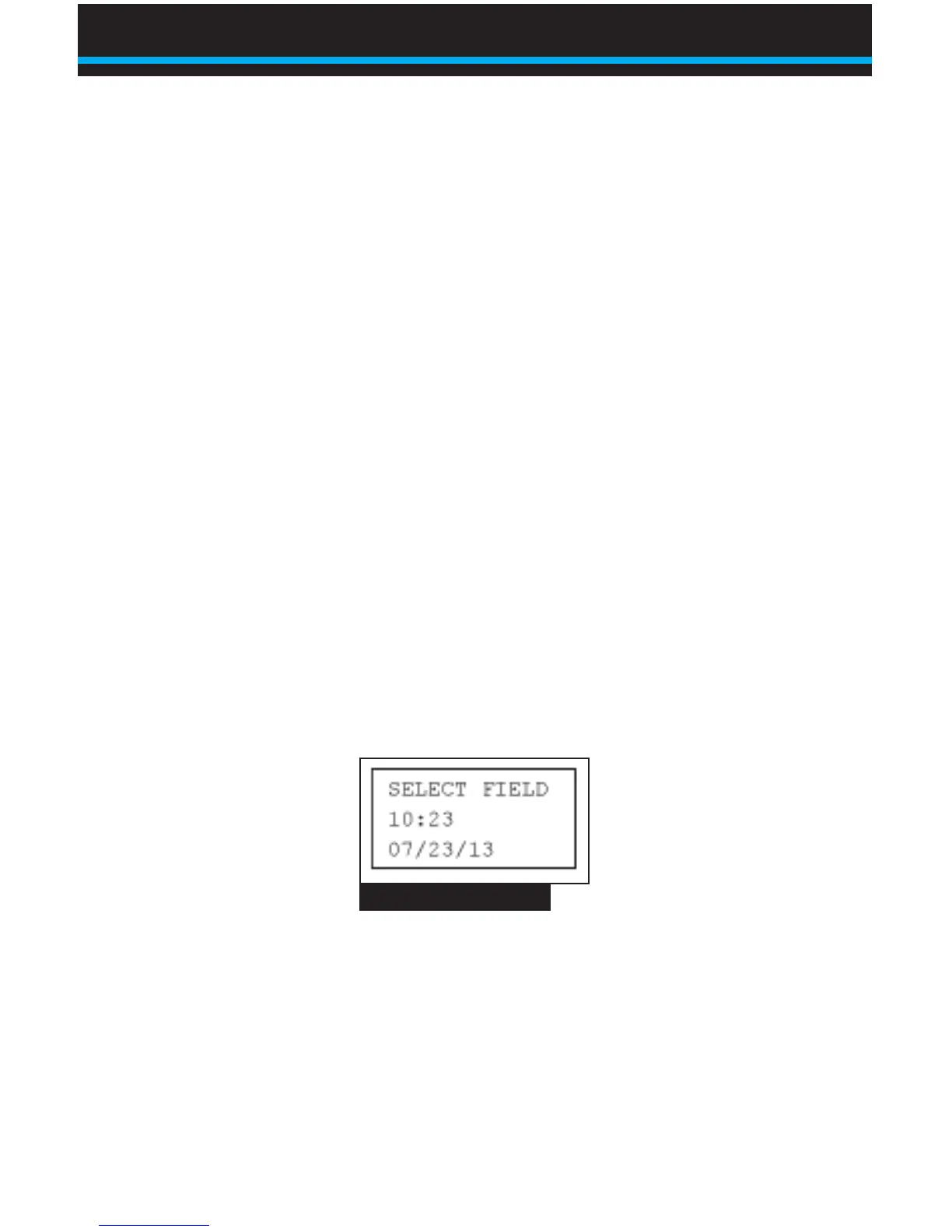
4. If the printer is connected and turned on, the display will
appearasinFig.6.Use▲or▼toselectthetimeorthe
date.Use◄or►tosetthecorrecttimeanddate.Whenyou
have set them correctly, press OK.
Note: If BinMaxx does not sense a printer, the screen will show
an error message reading DATE / TIME REQUIRES PRINTER
ON.
Fig. 6 Date/Time Setup
Using BinMaxx | Setting Up Your Scale


 To Next Page