14
Printing Lift Data
Make sure your printer is plugged in and turned on before
attempting to print. Reference the document entitled Installing the
Printer Kit for setup instructions.
1. From the weight display, press ESC to reach the main menu.
2. Press▼untilPRINT,ERASEisashing.PressOK.Ifthe
menu instead reads ERASE LIFTS, the printer is not plugged
in or turned on.
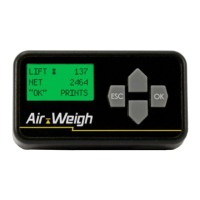
3. Fromtheerase/resetmenu(Fig.3),press▼untilPRINT
LIFTSisashing.PressOK.
4. If the print request is successful, the screen will display
PRINTING ALL LIFTS…ESC CANCELS. If the error
message NO PRINTER is displayed, the ComLink does not
detect a printer. Press ESC at any time during the printing
process to cancel printing.
Using BinMaxx | Printing Lift Data


 To Next Page