Controls
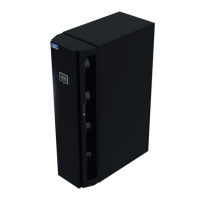
Display/Keypad
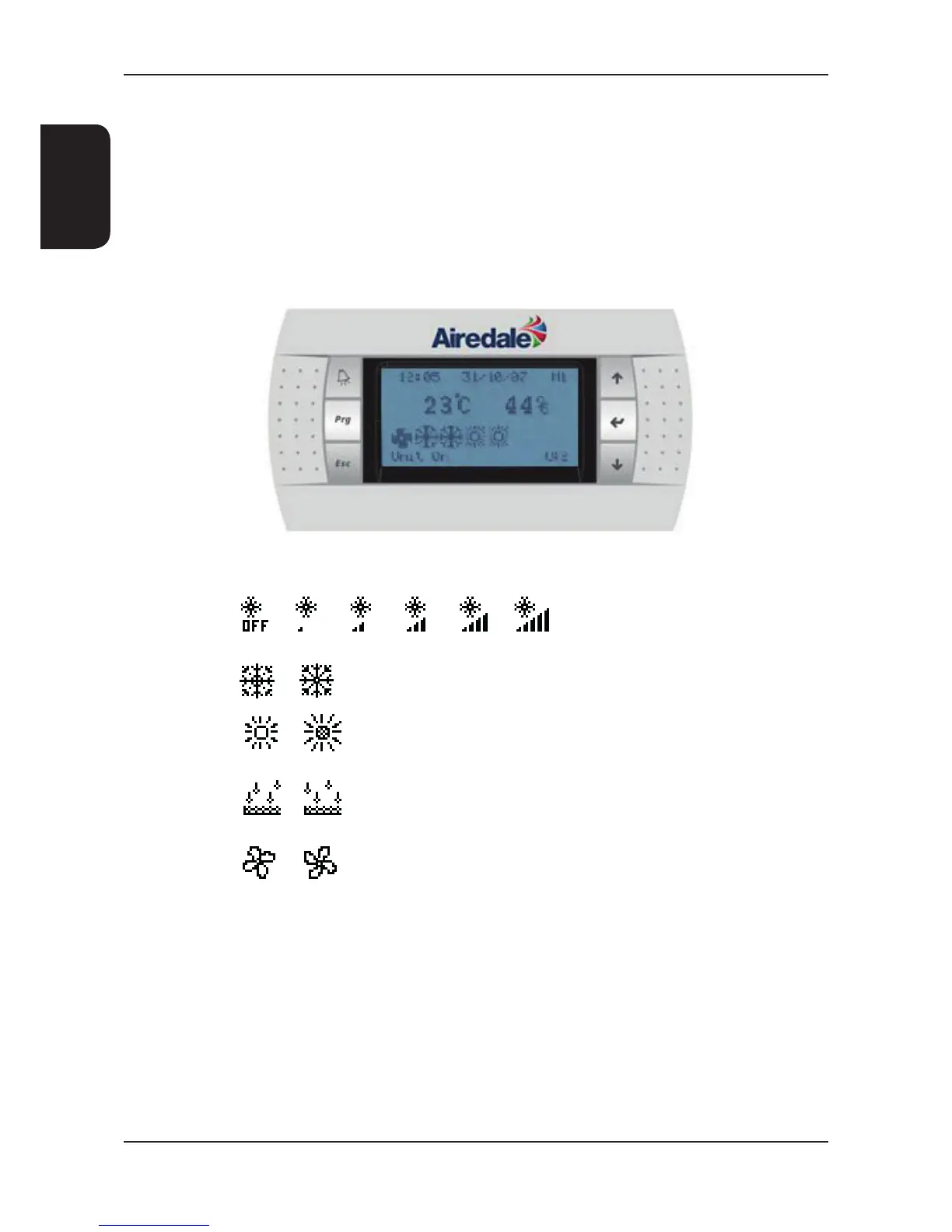
The display keypad features a simple array of keys to navigate through the in built menus.
With an 8 x 22 character (132 x 64 pixel) screen size, back lit in white for improved contrast, the large screen shall
provide for user friendly viewing and easy status recognition by displaying a combination of text and icons.
The default screen shall show the unit status and room condition (°C/RH %) without the need for interrogation and an
easy to navigate menu structure for further interrogation and adjustment shall be provided.
Chilled Water Valve Position
Cooling Indication
Heating Indication
Fans
Dehumidification
Display Symbols
Display for illustration only.





 To Next Page