18
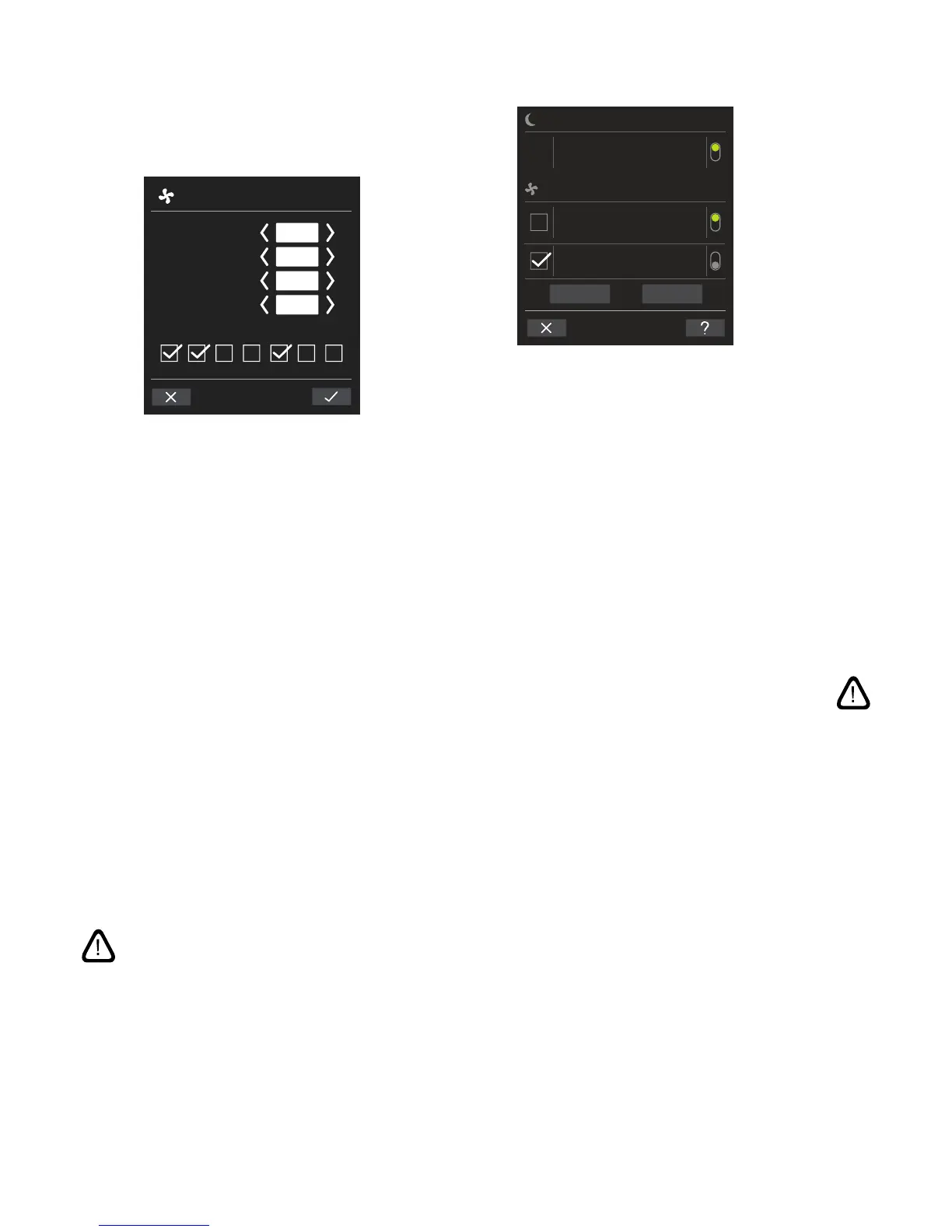
Adjust or add a program:
After selecting the program to be adjusted, or use of the
function button “Add” (see program view on previous page),
‘Setting’ mode will start.
MO TU WE TH FR SA SU
TIMER-CONTR. VENTILATION
START
FLOW %
TEMP °C
STOP
08:15
16:30
80
18
Increase/reduce a value:
Values can be set by pressing the right arrow (increase)
or left arrow (reduce).
Operation days are marked with a tick.
Make all settings and conrm by pressing the tick.
>> The program will be adjusted/added.
>> Display will return to “Program view”.
(See page 17)
Press the cross to cancel adjustment/adding.
Temperature setting:
The standard inlet temperature (default temperature)
is the setpoint for the unit’s required temperature level.
Standard setting is 19°C. The temperature can be set to
max. the required room temperature.
NB! The Airmaster unit can not be used to heat a room
by increasing inlet temperature. Room temperature
regulation must be performed using a heater installed
in the room.
Remove a program:
NIGHT TIME COOLING
00:00
06:00
TIMER-CONTR. VENTILATION
FLOW: 100% TEMP 16⁰C
MO TU WE TH FR SA SU
07:00
17:00
08:00
13:00
FLOW: 75% TEMP 19⁰C
MO TU WE TH FR SA SU
FLOW: 60% TEMP 18
⁰C
MO TU WE TH FR SA SU
ADD REMOVE(1)
Programs for timer-controlled ventilation can be removed
from the list.
Press the square on the left of the program to be removed.
>> The program will be marked with a tick. The function
button “Remove” shows the number of programs to be
removed.
Press the function button “Remove” to remove the programs
selected or press the cross to cancel.
>> Programs will be removed.
>> Display will return to “Program view”.
(See page 17)
NB! Program “Night time cooling” cannot be removed.



 To Next Page