22
Control and setting
Each group in the system is controlled and set in the same
way as an individual unit. That means that all control options
are available for all groups. The status menu and alarm view
are available for all individual units. A group or single unit
can be selected for each screen. You can enter or leave the
menu from all locations.
A “G” or “ID” number is allocated to each group or unit to
identify which group/unit is being controlled. The G and ID
numbers can be changed, e.g. to a room name or number
using Airlinq Service Tool.
Grouping is performed when installing the system using
Airlinq Service Tool.
4.2.6.1. Select a Group/Unit
The current identication for the group (G) or the unit (ID)
will be shown at the bottom of the screen. E.g. G8 or ID16
Press “G8”/”ID16”.
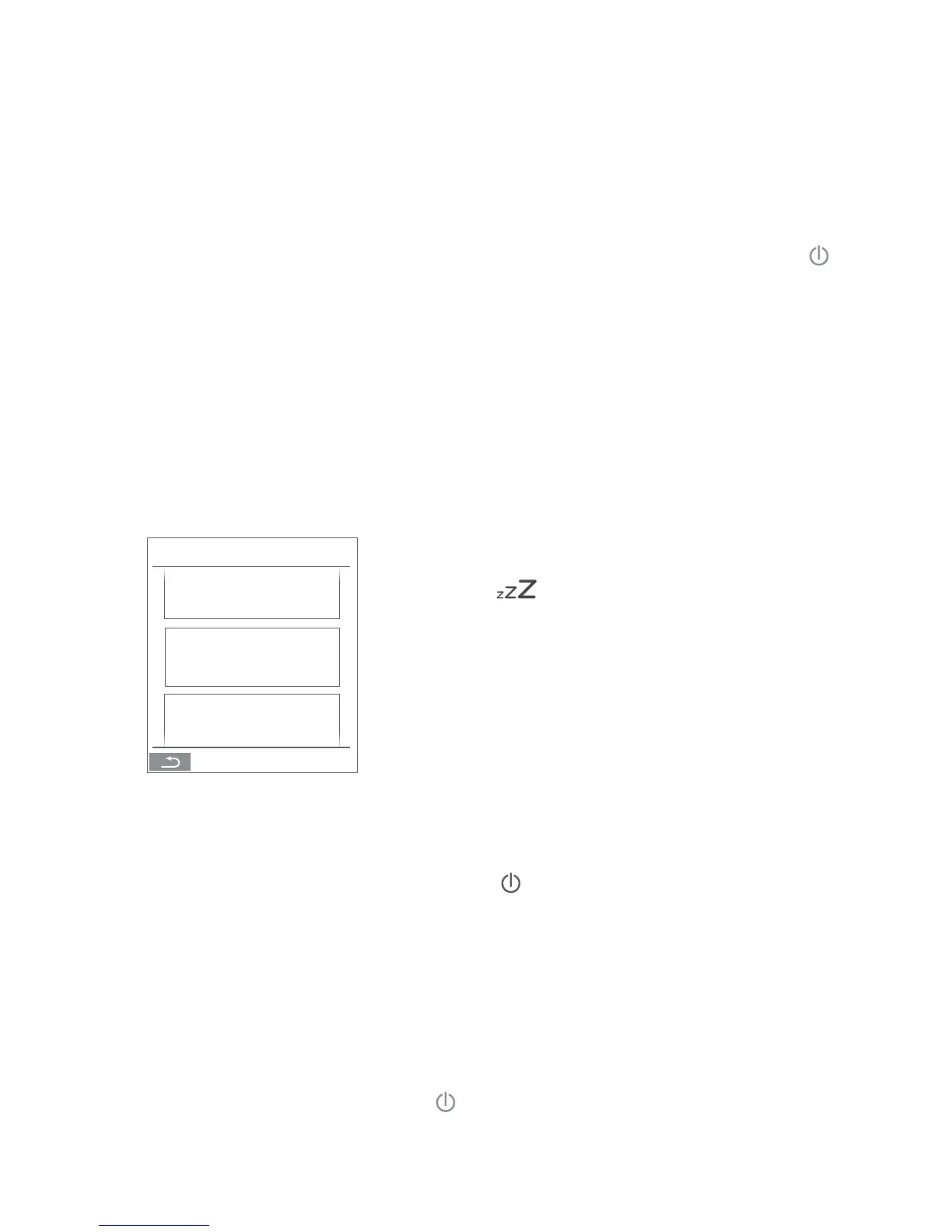
>> The selection screen will appear.
This screen shows all groups (G) or units (ID) linked to an
Airlinq BMS. E.g. G0 to G10 and ID0 to ID16 if the system
consists of 11 groups with a total of 17 units.
Press the G or ID required.
>> The screen for that G or ID will be shown.
4.2.6.2. Start, Standby and Switch O
Start or restart automatic operation for a group/several
groups
Press the function button.
>> The control menu will appear.
Select the groups to be started and press menu eld “
AUTO”.
>> The group selected will start according to the
programming.
Start operation manually.
Press the function button.
>> The control menu will appear.
Select the groups to be started and press menu eld “
START”.
>> The group will start with standard air ow and
standard inlet air temperature (see page 19). Text
“auto” will show with blue light. After 4 hours (time can
be adjusted to OFF, 0, 1, 2, ... 255 hours using a PC with
Airlinq Service Tool loaded) or at the next stop signal
from a timer program, (see page 16) the group will
return to automatic operation.
Set a group/several groups in Standby
Press the function button.
>> The control menu will appear.
Select the groups to be stopped and press menu eld “
STANDBY”.
>> The groups will stop in 1 hour (time can be adjusted
to 0, 1, 2, ... 255 hours using a PC with Airlinq Service
Tool loaded) and then start at the next start signal.
Otherwise, the groups can be started earlier by using
the “START” menu eld. The air ow indicator will ash
slowly alongside minimum.
Switch o a group/several groups
Press the function button.
>> The control menu will appear.
Select the groups to be switched o and press menu eld
“
OFF”.
Switch o system
Press the function button for min. 2 seconds, if the system
or at least one group is running.
>> All units will switch o.
GROUPS
ALL
G0
G1



 To Next Page