7
1.
auto
2.
3.
1. Start or restart automatic operation.
Press the function button.
>> The unit will start according to its programming if a start signal is active.
The control system will reactivate automatic operation after manual override.
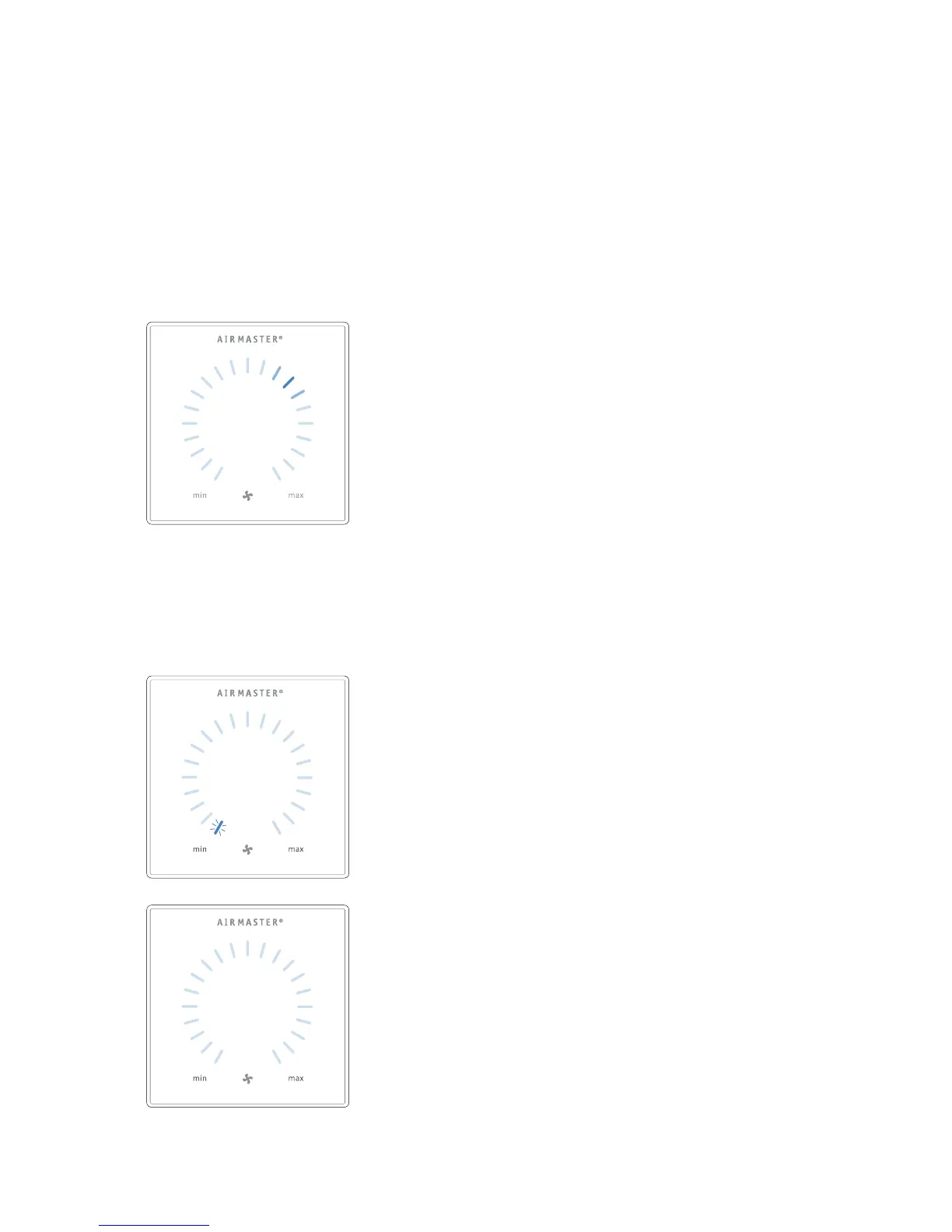
The current air ow will be shown by a blue stripe. “Auto” will be shown
with a blue light.
Start operation manual.
Double press the function button.
>> The unit will start with standard air ow and standard inlet air temperature
(see page 19). “Auto” will be shown with a blue light. After 4 hours (time
can be adjusted to 0, 1, 2, ... 255 hours using a PC with Airlinq Service Tool
loaded) the unit will return to automatic operation.
2. Standby:
Press the function button when the unit is in operation.
>> The unit will stop for 1 hour (time can be adjusted to 0, 1, 2, ... 255 hours
using a PC with Airlinq Service Tool loaded) and then start at the next start
signal. Otherwise, the unit can be started earlier by using the function button.
The air ow indicator will ash slowly alongside minimum.
3. Switch o the unit:
Press the function button for min. 2 seconds to switch o the unit.
>> The unit must then be started using the function button. All lights on
the control panel will go out.
3.2.3. Start, Standby and Switch O
Airmaster’s air handling unit can be started and stopped
automatically or using the function button (pos. 2. under
”Control Elements” on page 6).
Automatic operation.
Automatic operation is started using a timer, night time
cooling, sensors, external contacts or an analogue BMS
system.
The current air ow and text “auto” are shown on the
control panel with a blue light above the fan symbol. (See
1st graphic below.)
Read also “Control system functions” on page 24.
Air ow can be over- or underridden manually. Automatic
operation is cancelled and the text “auto” will disappear.



 To Next Page