14
4.2.4.2. O
Press menu eld “
OFF”
>> The control panel will show “SHUTDOWN?
AFTERWARDS THE SYSTEM HAS TO BE STARTED
MANUALLY.”, a tick for “Conrm” or a cross for “Cancel”.
Press the tick to switch o. (The unit must then
be started according to sect. ”Start and Standby”
on page 13. Press the cross to cancel switching o.
To switch o a unit, you can also press the function button
for 2 seconds (pos. 2 under ”Control Elements” on page 11).
4.2.4.3. Holiday Mode - Activation
In holiday mode, the air handling unit will run with min.
air ow. The internal control function “Low temperature”
is active to protect the unit against ice formation. The
control function is able to activate the heating surfaces if
necessary. The internal control function “High temperature”
is deactivated in holiday mode.
See also “Internal control functions” on pages 26 and 27.
Activate Holiday mode:
Press menu eld “
HOLIDAY MODE”
>> Holiday mode will activate. The holiday mode symbol
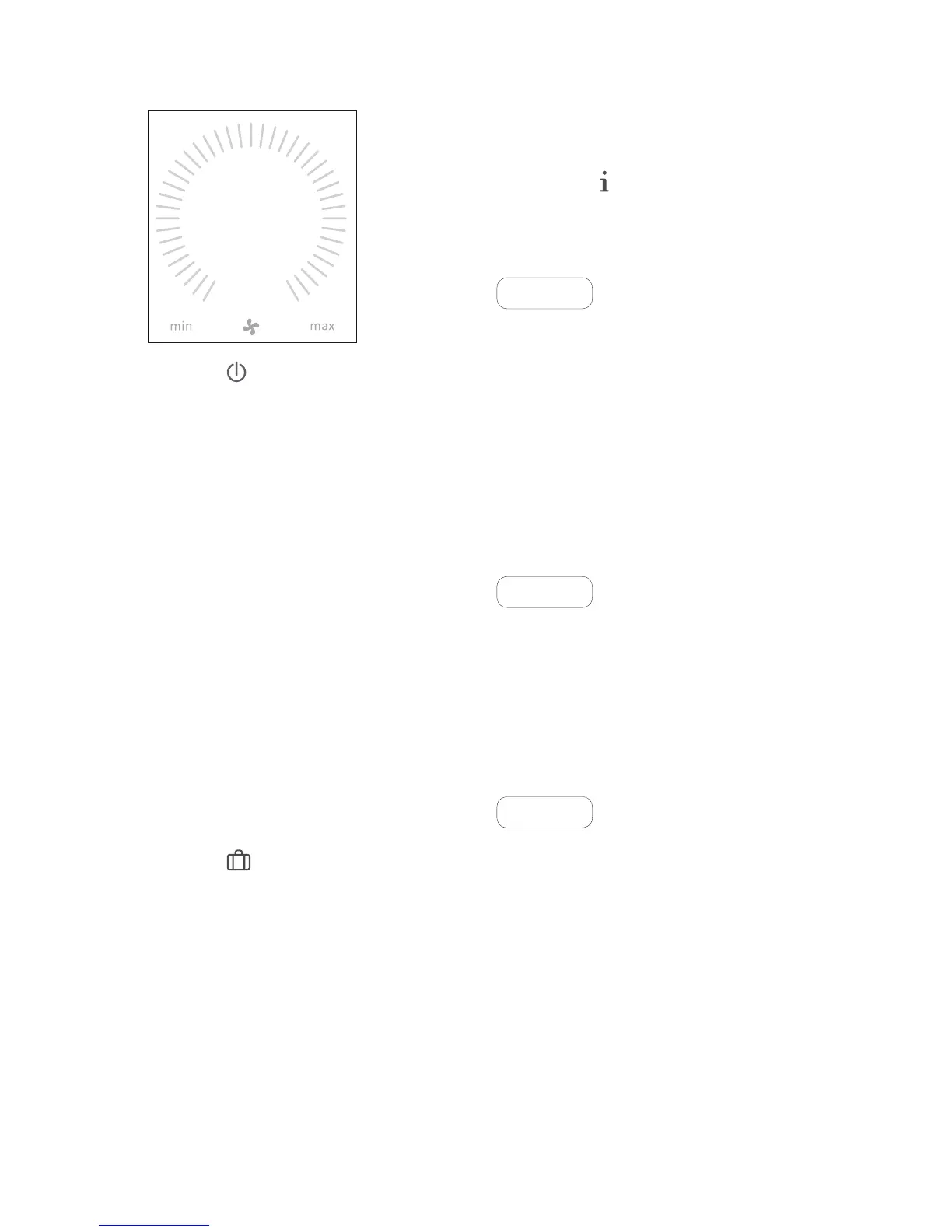
will show instead of the fan symbol.
Deactivate holiday mode:
To deactivate holiday mode, the unit must be started
according to sect. ”Start and Standby” on page 13.
4.2.4.4. Status
The Status menu is divided into 6 groups: Information,
Flow, Filters, Operation, Hardware and Installation Check.
The menu points indicate the unit’s operational status.
Press menu eld “
STATUS”
>> The sub-menu will activate.
Press the required sub-menu.
Information
Total Operation time The unit’s operation hours
since manufacture.
Panel SW Control panel software
version.
Control unit SW Control unit software version.
Control unit Serial Control unit serial number.
Service Contact address for technical
help and service. Can be
changed using Airlinq Service
Tool.
Flow
Requested Flow Air ow in %.
Supply Flow Supply Flow in m
3
/h.
Extraction Flow Exhaust ow in m
3
/h.
Supply Fan Supply fan RPM.
Extraction Fan Extraction fan RPM.
Filters
Current lter state Filter status indicator in %.
Operation since service No. of operation hours since
last lter change.
Next service Forecast of hours to next
lter change.
Approximated date Forecast (date) of next lter
change.



 To Next Page