HELO H.264 Streaming and Recording Encoder v1.1r1 18 www.aja.com
With this screen you can Repair (reinstall) or Remove (uninstall) eMini-Setup on
the PC.
Mac Installation
To install the application on a Mac:
NOTE: Mac computers must be Intel-based (G5, G4 and earlier models will not work with
eMini-Setup).
1. Download the application from the AJA website. See "Acquiring eMini-Setup"
on page 16.
2. Unzip the le.
3. Double-click on the AJA eMini-Setup.dmg le.
4. Answer the prompt and a utility program will be launched.
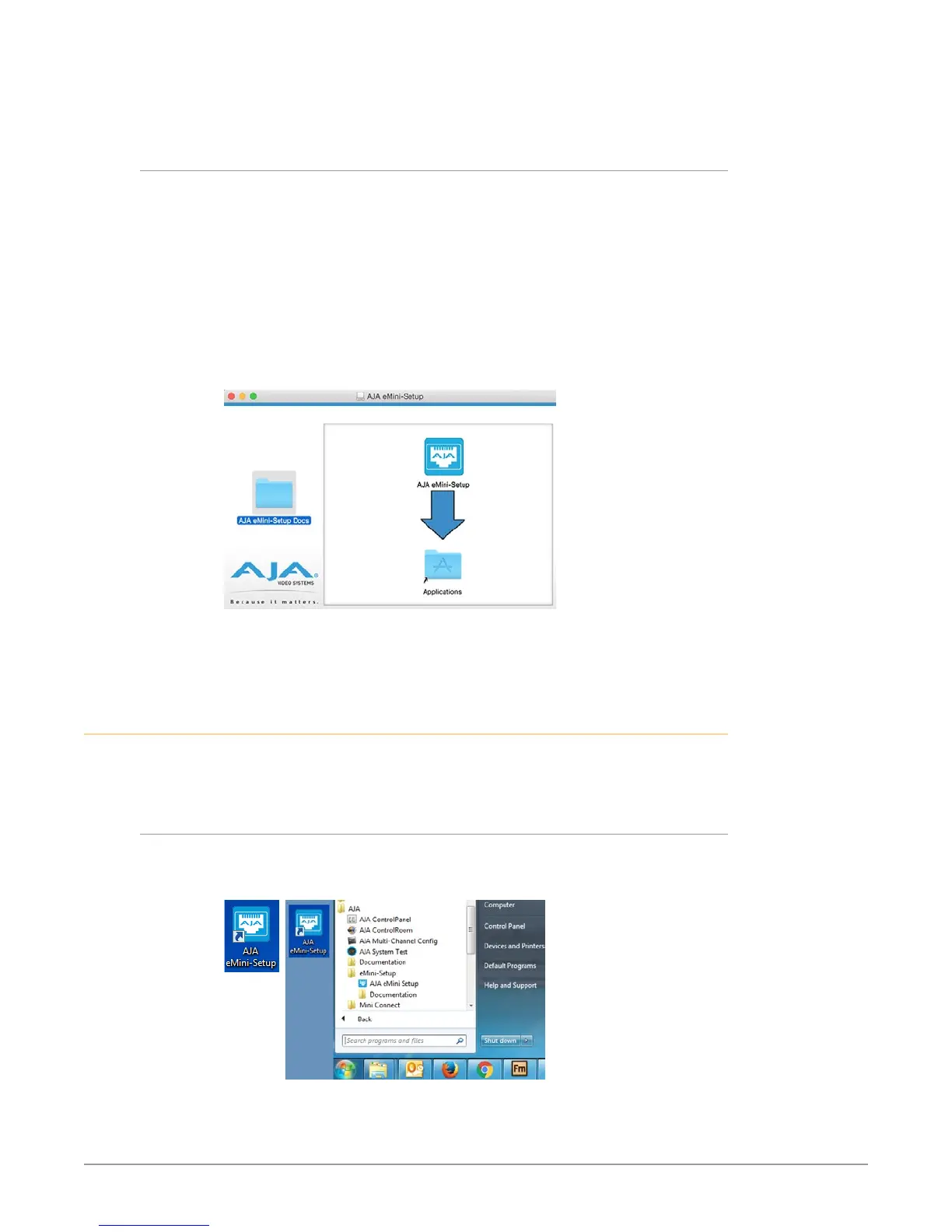
Figure 6. eMini-Setup Mac Installer
5. To complete the installation drag the “AJA eMini-Setup” icon to the
Applications folder.
Running eMini-Setup
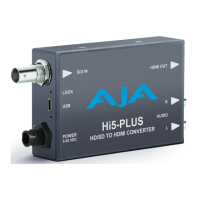
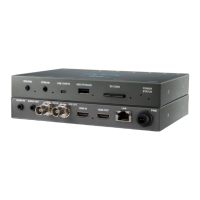
Connect your Ethernet capable AJA device to the PC or Mac via the supplied USB
cable, and then connect the external power supply (supplied) to that AJA device.
PC Startup
To run eMini-Setup on a PC, double-click on the AJA eMini-Setup icon on your
desktop, or open the AJA folder in the program list and click on the AJA eMini-
Setup application located inside the eMini-Setup folder.


 To Next Page