HELO H.264 Streaming and Recording Encoder v1.1r1 46 www.aja.com
Default Gateway
Default Gateway determines the gateway or router used on your LAN for TCP/IP
networking.
Without a properly configured default gateway (whether you have a router/
gateway or not), your HELO will be unable to see other HELOs on the network,
although you may still be able to control this HELO via a web browser. Also,
without a proper gateway defined, the discovery feature on the Network web
page will not list other units on the network.
• Enter a default gateway or router address. This is only needed for Static IP
congurations. The factory Default Gateway is 192.168.0.1.
• If IP Address Type is set to DHCP, the Default Gateway is set by the DHCP
server and cannot be changed by the user.
Primary and Secondary DNS Servers
In DHCP mode, reports the current DNS Server IP addresses. In Static mode,
allows entry of DNS Server IP addresses.
NOTE: If DNS servers are not present or have incorrectly entered IPs, then wherever HELO
specifies machines by name (servers in recording destinations, URLs in streaming
destinations, NTP servers), the names won’t work, although numeric IP addresses
will still work.
DNS Search Path
Defines the Domain Name System search path for the HELO.
MAC Address
Reports the connected HELO’s Media Access Control Address.
Link State
Reports the link speed of the Ethernet connection.
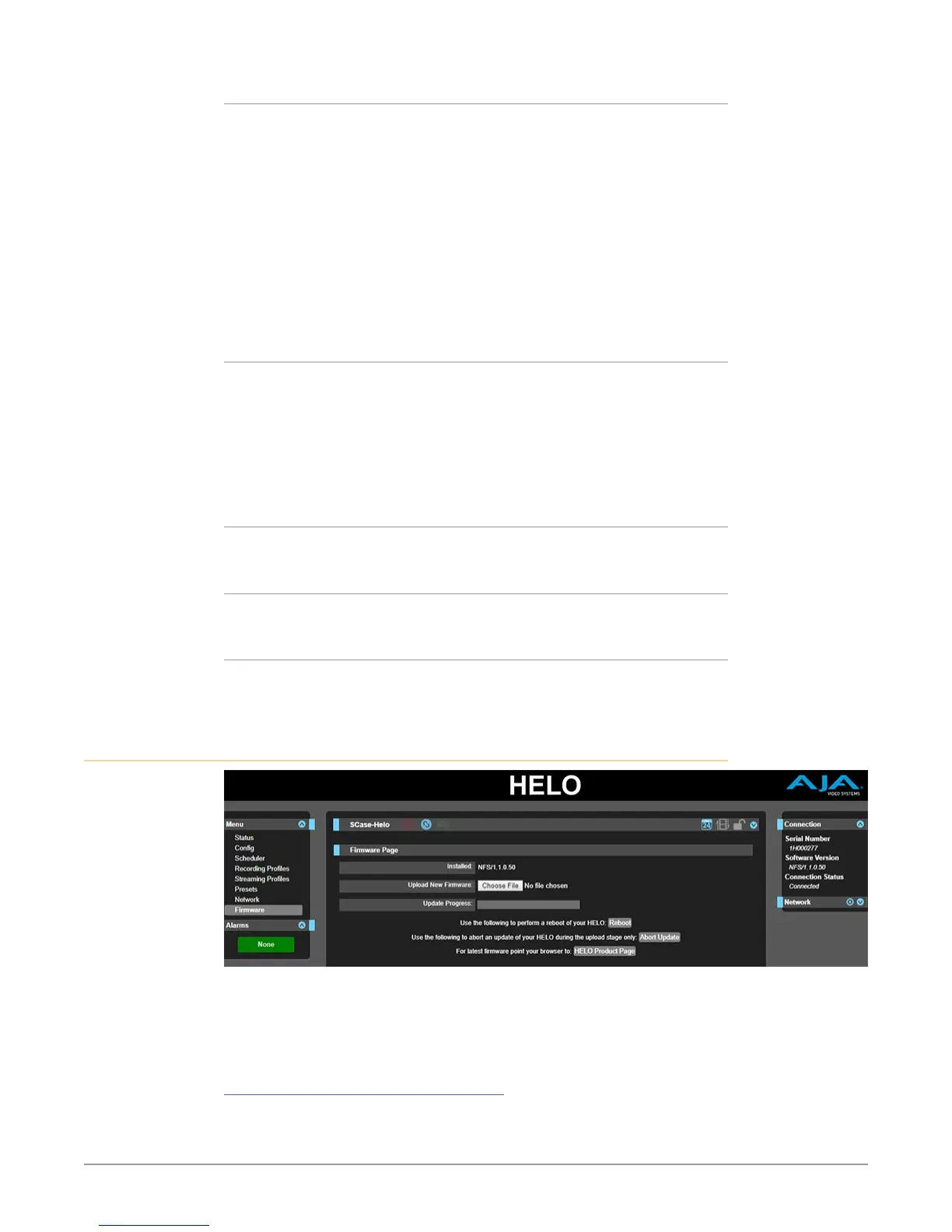
Firmware Screen
The Firmware screen allows you to download and install a firmware update from
AJA.
Visit the AJA website (aja.com) to locate and download the latest firmware. The
following page provides support information and will include links to locations
where you can download updates:
https://www.aja.com/products/helo#support



 To Next Page