1
93
Ki Pro Installation and Operation Manual — Web Browser via Ethernet
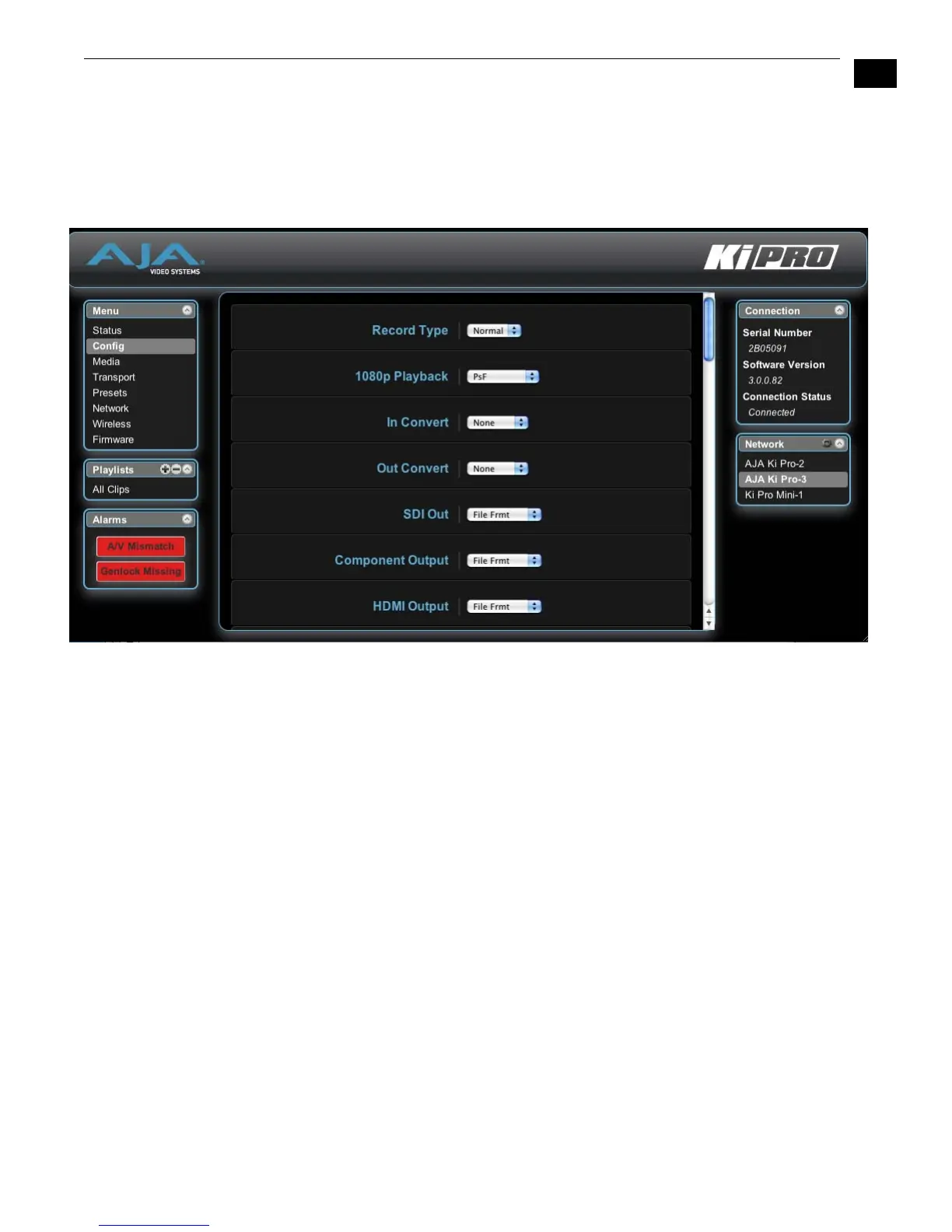
Alarms Screen
The Alarms display is present on each screen and constantly shows you the state of any
alarms in the system. The Alarms area normally contains a green box displaying, “None”
if there are no alarms. If an alarm is generated, the Alarms area displays a red box
containing text describing the alarm. If multiple alarms are generated, they appear as
multiple red boxes, each one containing text describing the associated alarm.
Ki Pro Web Interface, Alarm Configuration Screen



 To Next Page