1
3
Ki Pro Quick Start Guide—
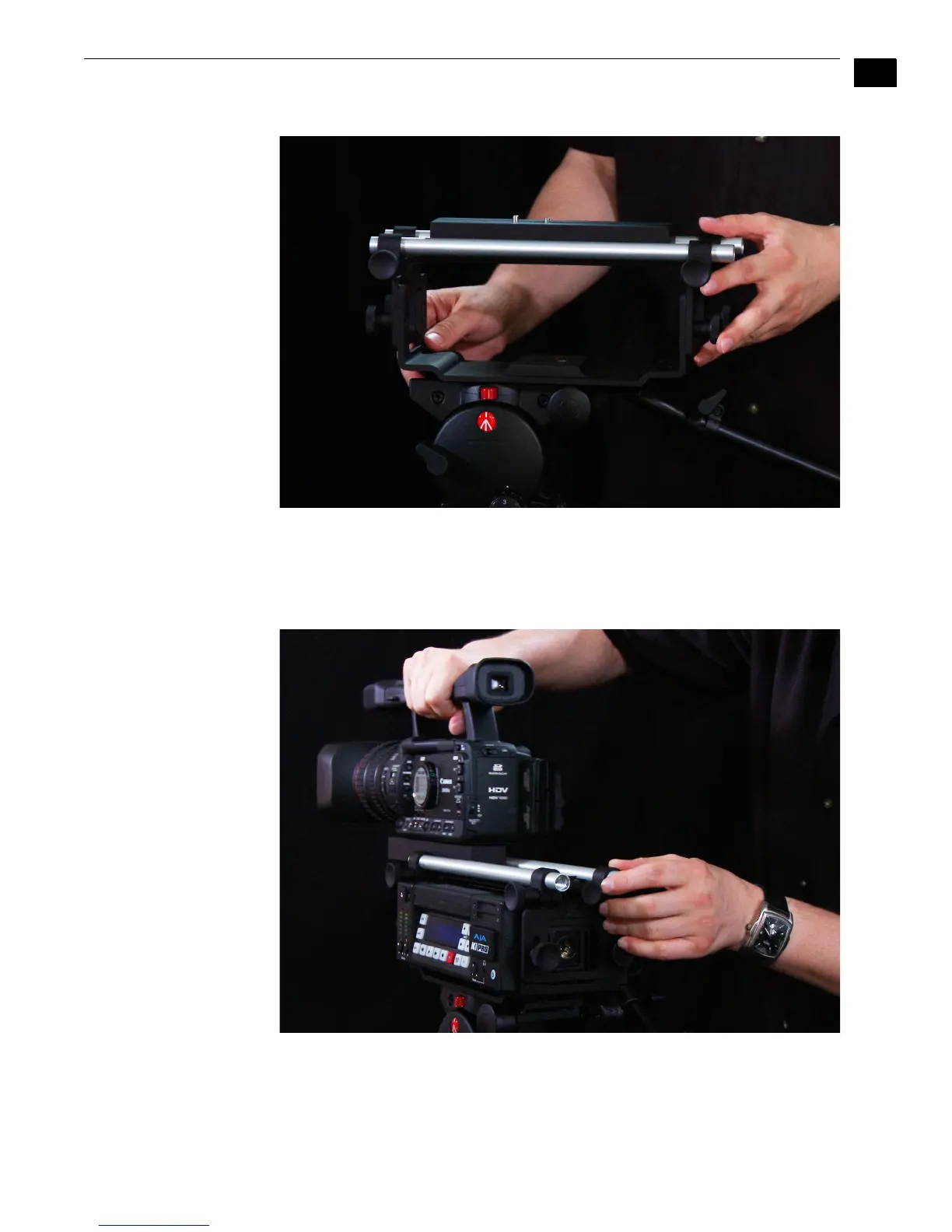
Remove the sliding plate from the top of the Exoskeleton by twisting the locking knob
counterclockwise, then slide the plate free. Place the camera on the mount, orienting
the mount’s alignment pin to the camera’s corresponding pin socket. Once aligned,
tighten the mounting screw to secure the camera. Slide the camera and mount back on
the rail and tighten the locking knob.



 To Next Page