RDVD1002
18
Getting Help
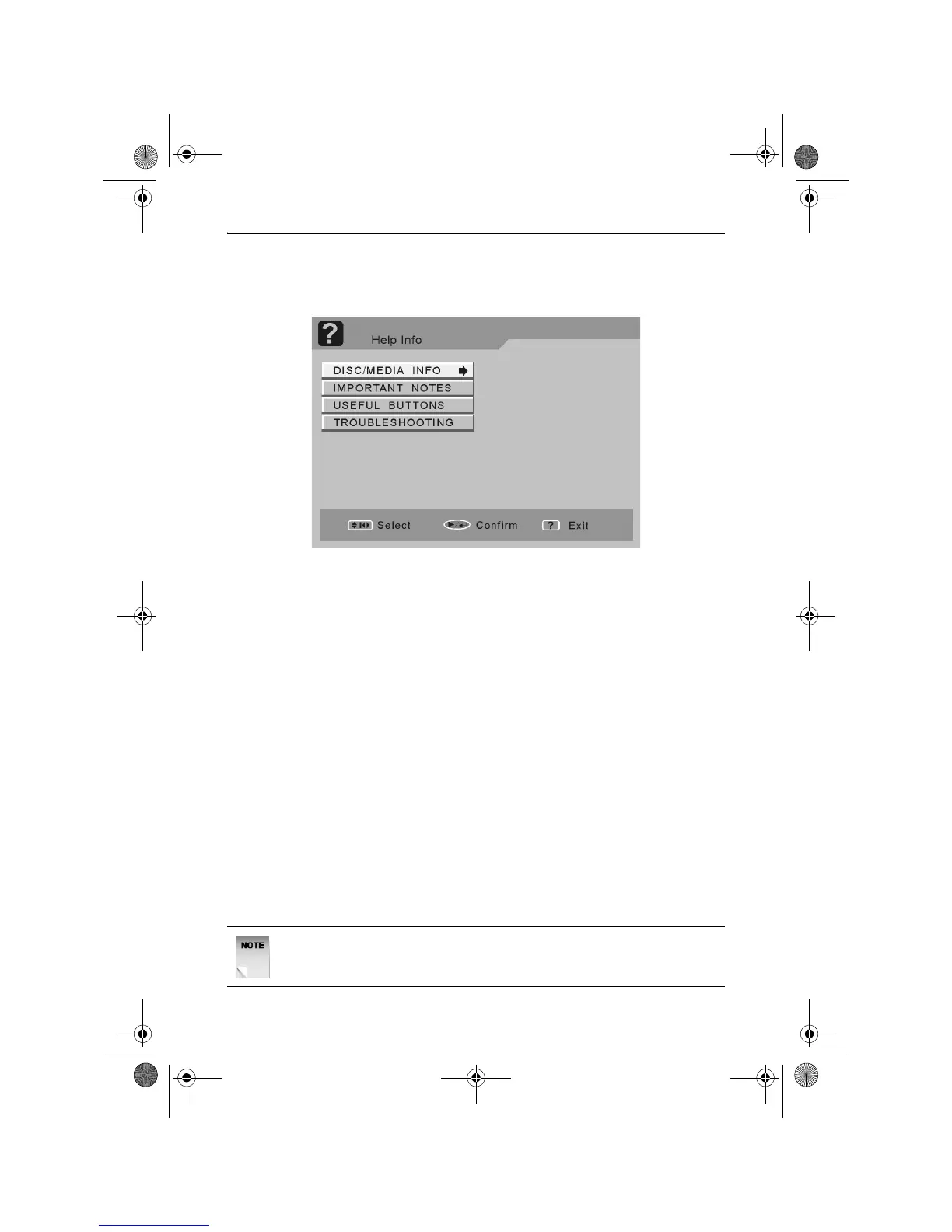
To view helpful information on using the DVD Recorder, press the
HELP button at any time. The following screen will appear.
Use the UP and DOWN ARROW buttons to highlight an option.
Press the PLAY/ENTER button to select an option.
Press the RETURN button to return to the main Help menu screen.
Press the HELP button to exit the Help menu screen.
Playing Discs
Press the STANDBY button to turn the DVD Recorder on.
Press the EJECT button to open the disc drawer and insert a disc.
Insert inside the disc drawer guides.
Insert one disc only.
Press the EJECT button to close the disc drawer.
Press the PLAY/ENTER button.
The disc drawer must be closed before playback begins.
The DVD Recorder takes some time to read the disc before playback
starts.
NOTE: If the disc is inserted upside down, the DVD Recorder will
not recognise that any disc has been inserted.
RDVD1002.book Page 18 Tuesday, January 24, 2006 12:25 PM



 To Next Page