RDVD1002
34
Press the TIMER button to exit the Timer menu.
Setting a Timer Event
To setup the timer event recording, you will need to enter the following
information:
• The date of the recording
• The start time of the recording
• The end time of the recording
• The source of the recording
• The frequency of the recording (Once, Daily, Mon-Fri or Weekly)
• The recording quality
• The recording title.
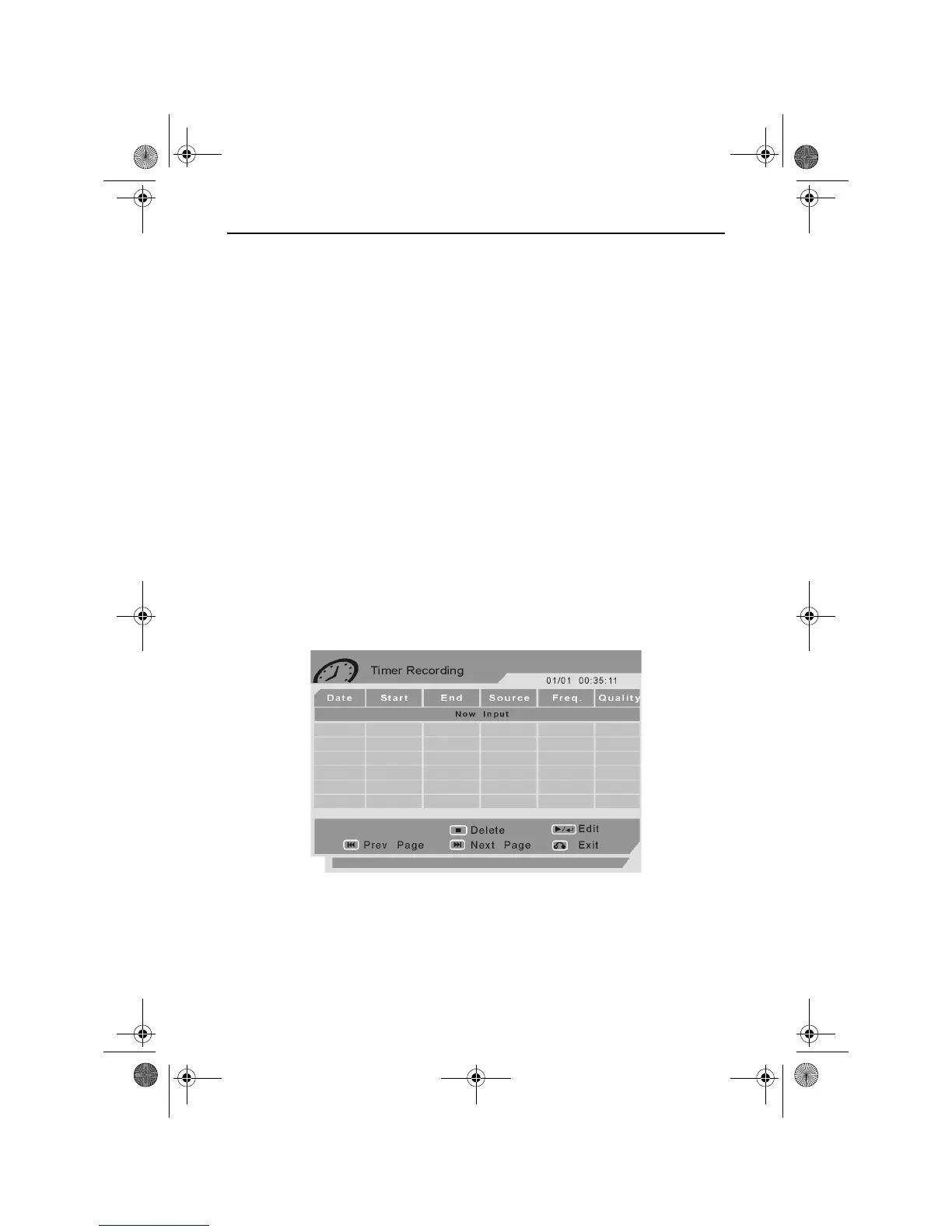
Press the TIMER button. The Timer menu will appear as shown above.
Use the UP and DOWN ARROW buttons to highlight Timer Event
Settings.
Press the RIGHT ARROW button to access the Timer Recording menu.
The Timer Recording menu will appear as shown below.
The cursor will highlight the first available timer event slot.
Press the PLAY/ENTER button to edit a timer recording event. The
Timer Recording Menu will change to allow information to be entered as
shown below.
RDVD1002.book Page 34 Tuesday, January 24, 2006 12:25 PM



 To Next Page