DVD Recorder
23
Audio
The AUDIO button allows you to select the audio language of a movie
or listen to any voice-over commentaries.
During playback, press the AUDIO button.
Each time you press the AUDIO button, the audio cycles to the next
available audio channel.
Angle
Some scenes in a DVD movie may be filmed using several cameras
shooting at different angles and these may be included on the DVD disc.
During playback, Press the ANGLE button to cycle through the
available angles.
GOTO Function
The GOTO function allows you to go to a selected point in the DVD or
audio CD by selecting the title (DVD), chapter (DVD), track (CD) or time
(DVD and CD).
By Title (DVD)
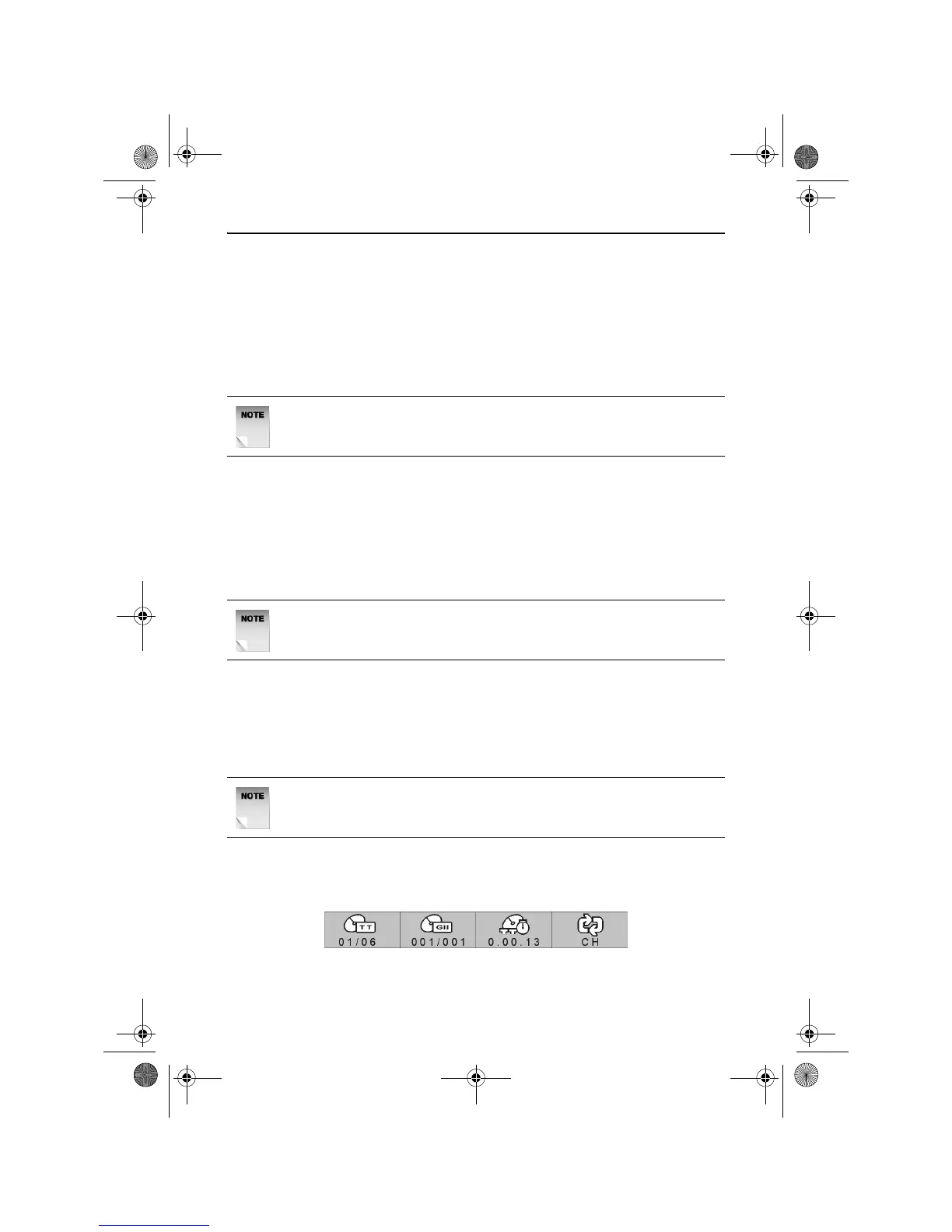
During playback, press the GOTO button. The DVD Information bar will
appear as shown below.
NOTE: The audio function is not supported on all DVD discs. See
the DVD disc cover for a list of audio tracks.
NOTE: The angle function is not supported on all DVD discs.
NOTE: The GOTO function may not be supported by all DVD’s.
RDVD1002.book Page 23 Tuesday, January 24, 2006 12:25 PM



 To Next Page