RDVD1002
46
The Channel Menu
The Channel menu allows you to set up the basic functions of the built
in tuner.
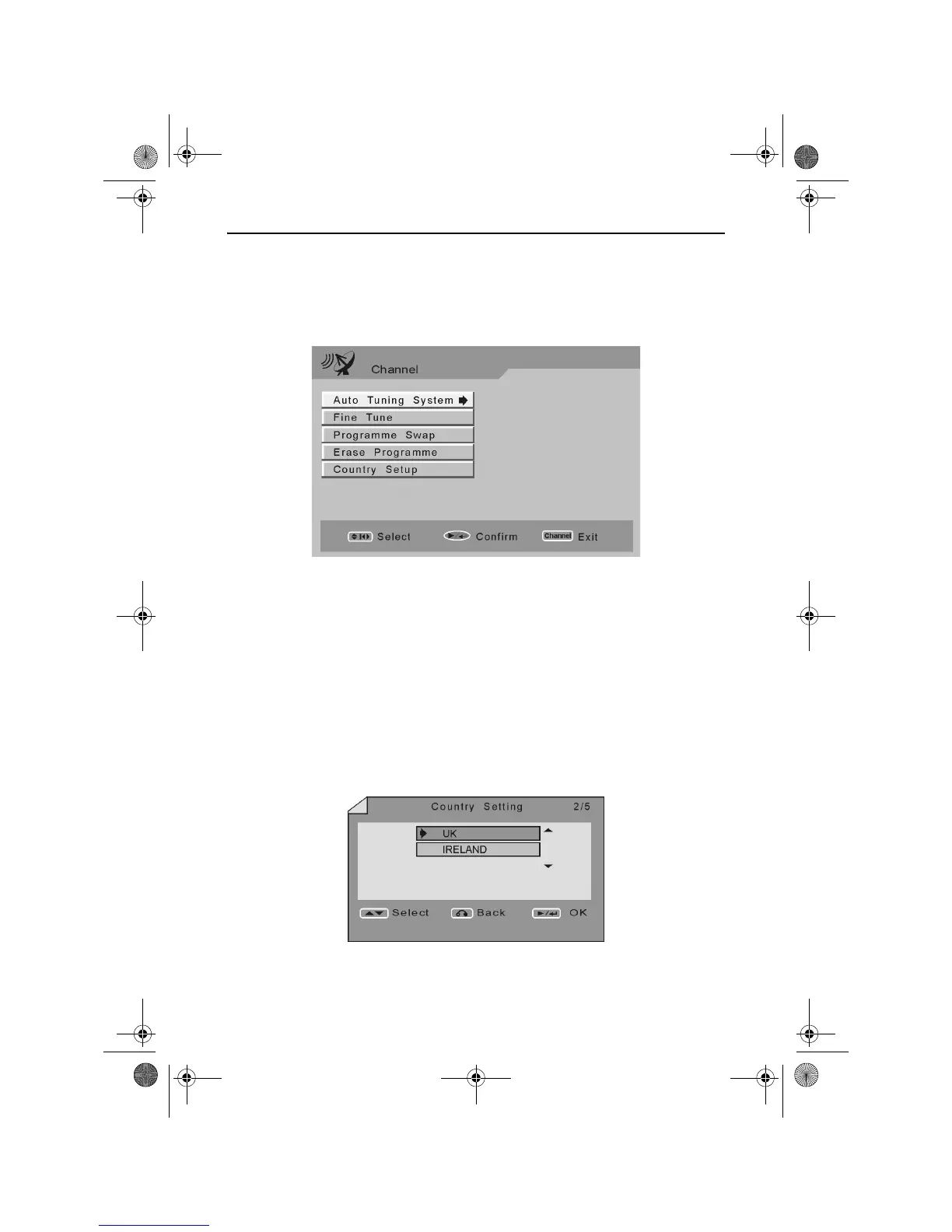
Press the CHANNEL button. The following screen is displayed.
Use the LEFT, RIGHT, UP and DOWN ARROW buttons to navigate the
menu screens and the PLAY/ENTER button to select an option.
The following options are available.
Auto Tuning System
The Auto Tuning System function allows you to automatically search for
all the available TV channels in your local area.
Use the UP and DOWN ARROW buttons to highlight Country Setup.
Press the RIGHT ARROW button. The Country Setting screen will
appear as shown below.
RDVD1002.book Page 46 Tuesday, January 24, 2006 12:25 PM



 To Next Page