RDVD1002
20
Next/Previous Chapter
During playback,
To jump to the next chapter, press the NEXT button.
To jump to the beginning of the previous chapter, press the PREV
button twice.
Slow-motion Play
During playback, press the SLOW button.
There are four slow-motion speeds (1/2, 1/4, 1/8, and 1/16). Each press
increases the slow-motion speed.
Press the PLAY button to restart play.
Repeat Play
The repeat function allows you to repeat different sections of a DVD, CD
or KODAK Picture CD. The choices of repeat available depend on the
type of disc inserted.
Chapter Repeat (DVD Only)
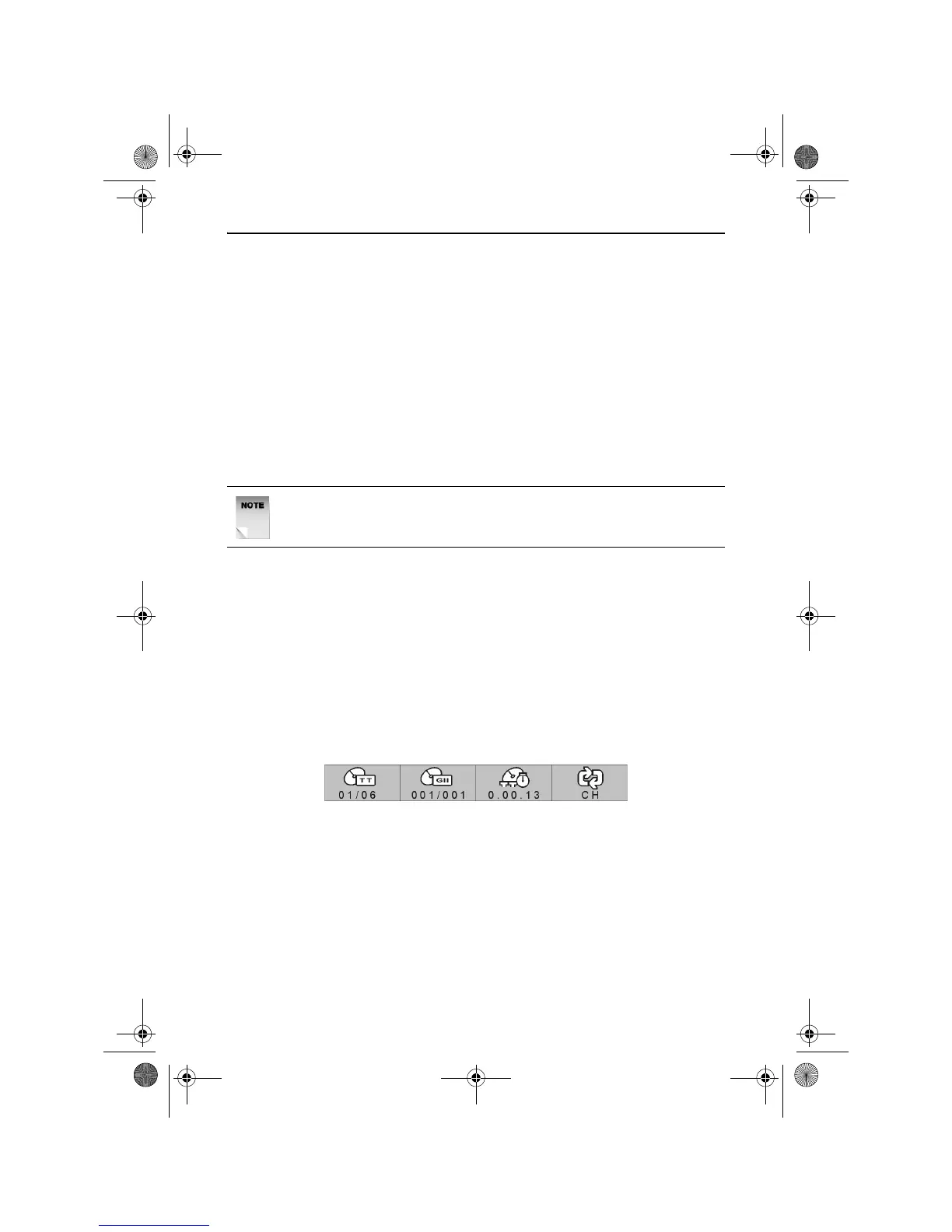
To repeat a chapter, press the REPEAT 1/ALL button once. The DVD
Information bar will appear as shown below with CH displayed under the
repeat icon.
The current chapter is repeated when the end of the chapter is reached.
Title Repeat (DVD Only)
To repeat a title, press the REPEAT 1/ALL button twice. The DVD
Information bar will appear as shown above with TT displayed under the
repeat icon.
The current title is repeated when the end of the chapter is reached.
NOTE: Repeated presses of the SLOW button will cycle through
forward and reverse slow motion play modes.
RDVD1002.book Page 20 Tuesday, January 24, 2006 12:25 PM



 To Next Page