DVD Recorder
41
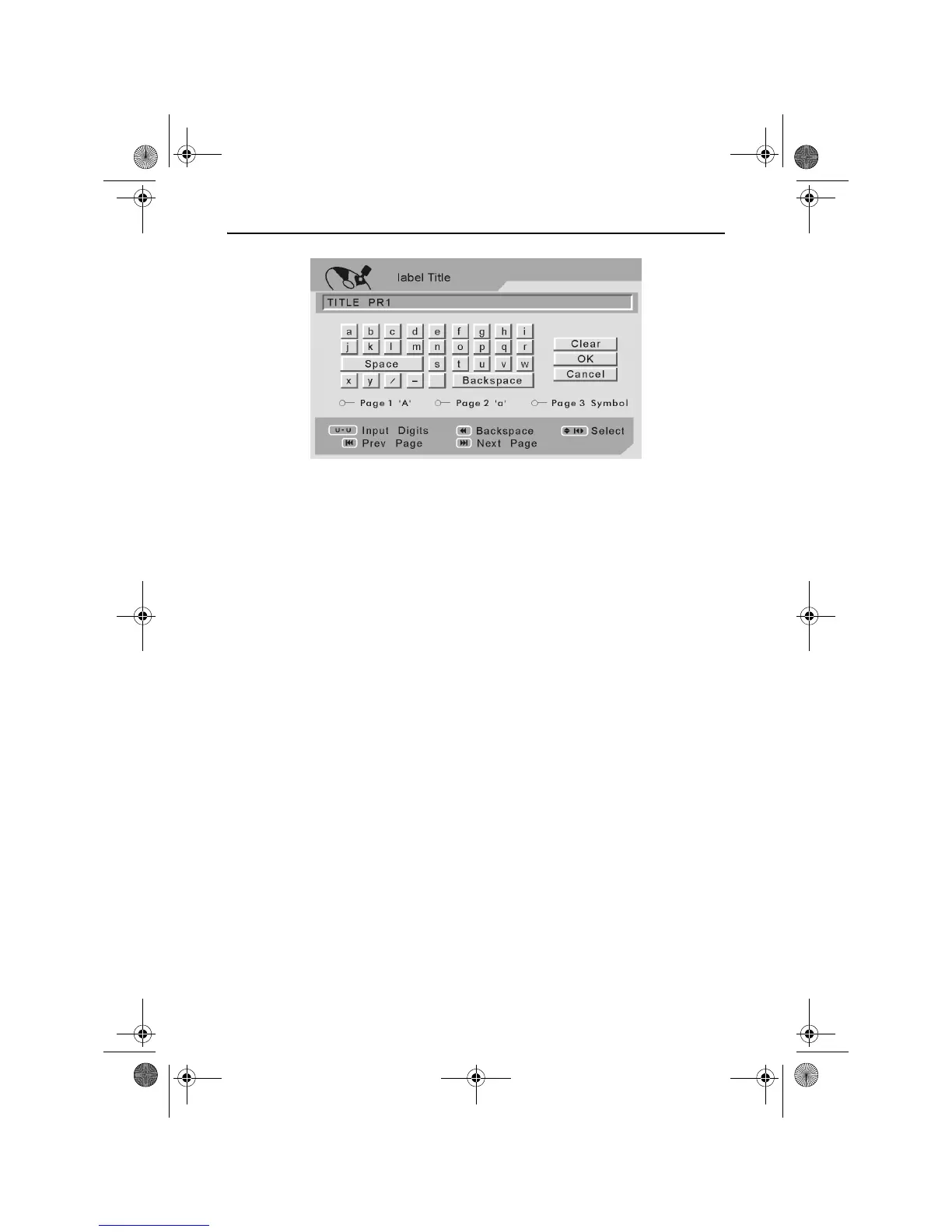
Use the LEFT, RIGHT, UP and DOWN ARROW buttons to navigate the
on screen keyboard.
Press the PLAY/ENTER button to select a character or function.
Press the NEXT or PREV buttons to view the alternative on screen
keyboards.
Once the desired label title has been entered, use the LEFT, RIGHT,
UP and DOWN ARROW buttons to highlight OK.
Press the PLAY/ENTER button to exit the Label Title screen and return
to the Disc menu screen.
To Edit Chapters
The Chapter Edit function allows you to add, delete and edit chapter
marks within a selected title.
Use the UP and DOWN ARROW buttons to highlight the desired title.
Use the LEFT and RIGHT ARROW buttons to highlight the Chapter Edit
icon.
RDVD1002.book Page 41 Tuesday, January 24, 2006 12:25 PM



 To Next Page