DVD Recorder
49
Erase Programme
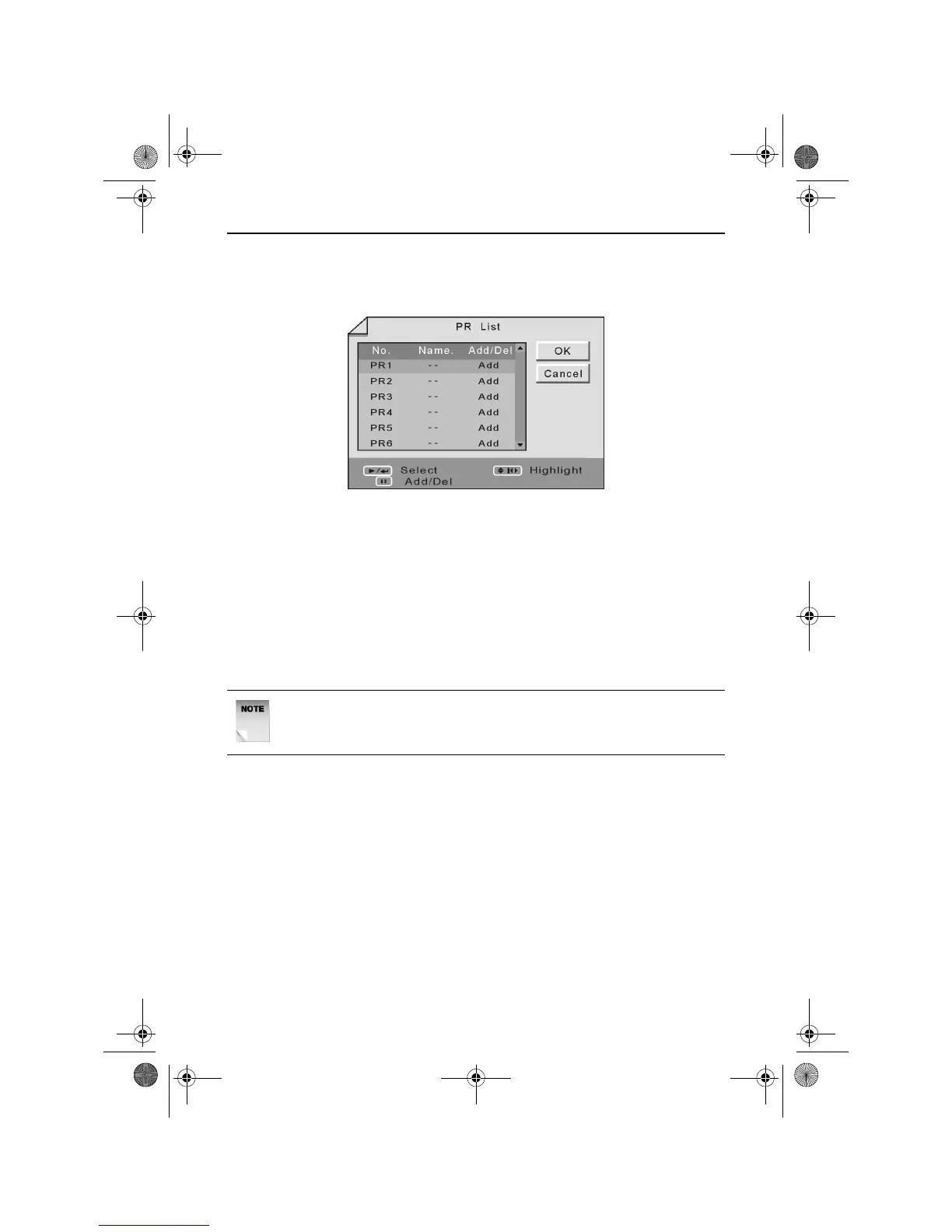
The Erase Programme function allows you to erase programmes from
the channel list. When selected the following screen will appear.
Use the UP and DOWN ARROW buttons to highlight the channel you
wish to erase.
Press the PAUSE button to change the text in the Add/Del column to
Del.
Use the LEFT, RIGHT, UP and DOWN ARROW buttons to highlight
OK.
Press the PLAY/ENTER button. The channel will be deleted and the
DVD Recorder will return to the Channel menu.
Country Setup
The Country Setup function allows you to specify the country in which
the product is being used. This will ensure the DVD Recorder will
operate correctly. The available options are UK and Ireland.
NOTE: The erased channel will still be available using the
NUMERIC buttons, however it will be skipped when using the
PR+/- buttons.
RDVD1002.book Page 49 Tuesday, January 24, 2006 12:25 PM



 To Next Page