RDVD1002
50
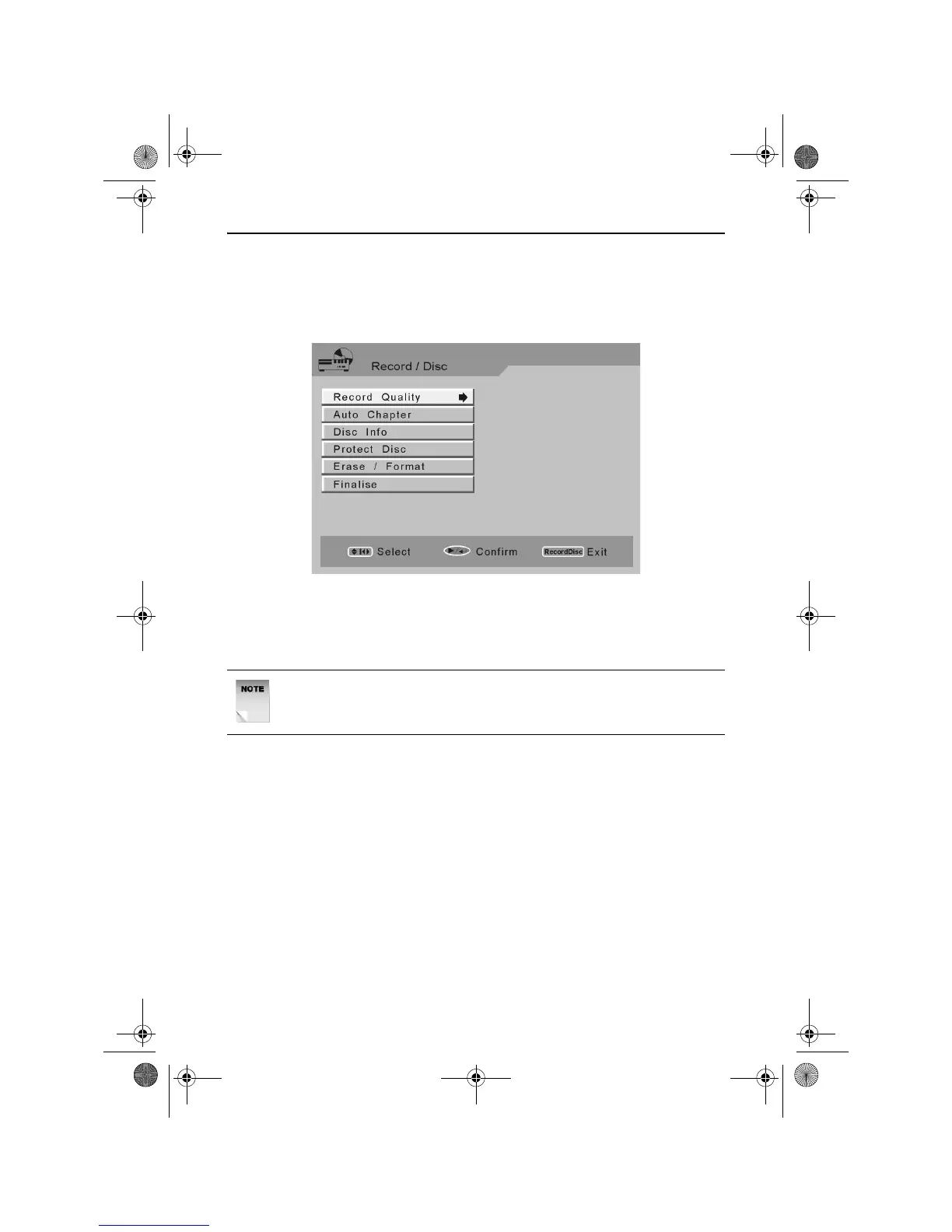
The Record/Disc Menu
The Recorder/Disc menu allows you to set the recording conditions and
perform basic disc maintenance.
Press the RECORD/DISC button. The following screen will appear.
Use the LEFT, RIGHT, UP and DOWN ARROW buttons to navigate the
menu screens and the PLAY/ENTER button to select an option.
The following options are available.
NOTE: Depending on the type of disc loaded and the amount of
recordings on the disc, some of the following options may not be
available.
RDVD1002.book Page 50 Tuesday, January 24, 2006 12:25 PM



 To Next Page