DVD Recorder
27
Press the TITLE button at any time during playback to return to the Title
Screen or Root Menu.
The Program Function (Audio CD Only)
The DVD Recorder can be programmed to play a preset selection of
tracks from an audio CD.
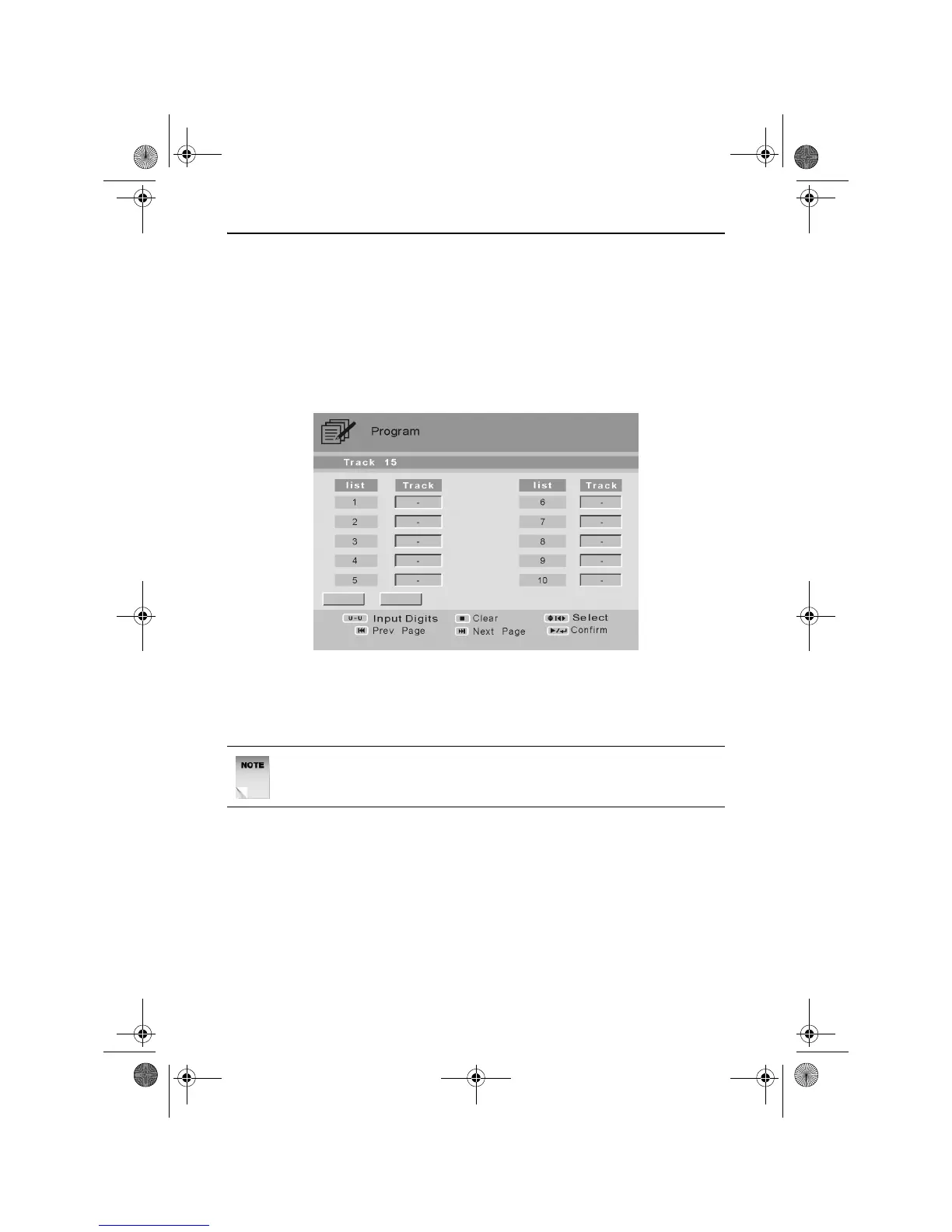
Press the PROGRAM button. The Program menu will appear as shown
below.
Use the UP, DOWN, LEFT and RIGHT ARROW buttons to select a list
number.
Use the NUMERIC buttons to enter a track number.
Once all the tracks have been entered, press the PLAY/ENTER button
to confirm the programmed track selection and begin playing in the
preset order.
NOTE: The Program menu will only accept available track
numbers.
RDVD1002.book Page 27 Tuesday, January 24, 2006 12:25 PM



 To Next Page