DVD Recorder
47
Use the UP and DOWN ARROW buttons to select the appropriate
country.
Once the correct country is selected, press the PLAY/ENTER button.
Press the LEFT ARROW button to exit to the Country Setting screen.
Use the UP and DOWN ARROW buttons to highlight Auto Tuning
System.
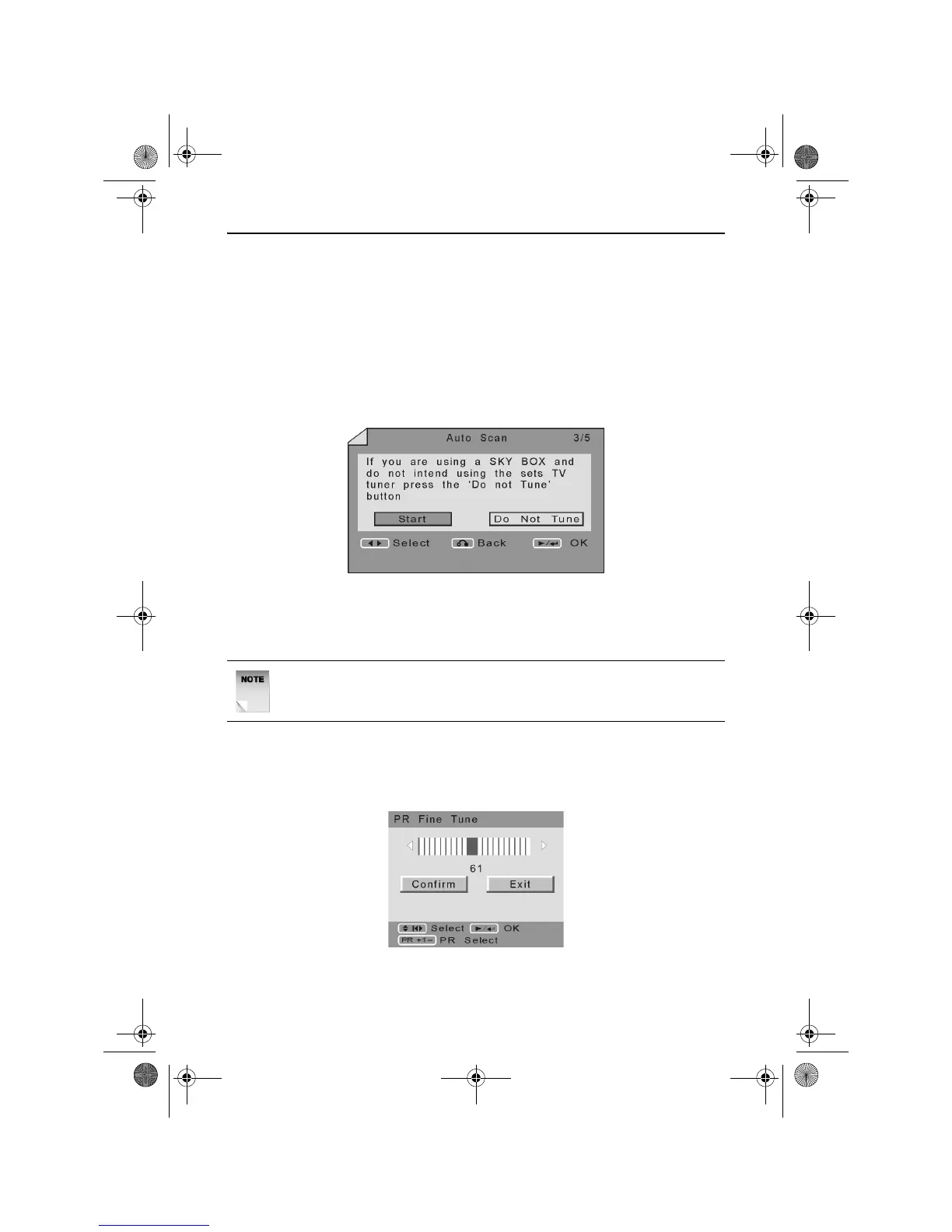
Press the RIGHT ARROW button. The Auto Scan screen will appear as
shown below.
Use the LEFT and RIGHT ARROW buttons to select Start. The DVD
Recorder will begin to scan for all available channels and automatically
save them to memory.
Fine Tune
The Fine Tune function allows you to fine tune a selected channel.
When selected the following screen will appear.
Use the PR+ or PR- buttons to select a channel to fine tune.
NOTE: The search may take a few minutes to complete, please be
patient.
RDVD1002.book Page 47 Tuesday, January 24, 2006 12:25 PM



 To Next Page