28
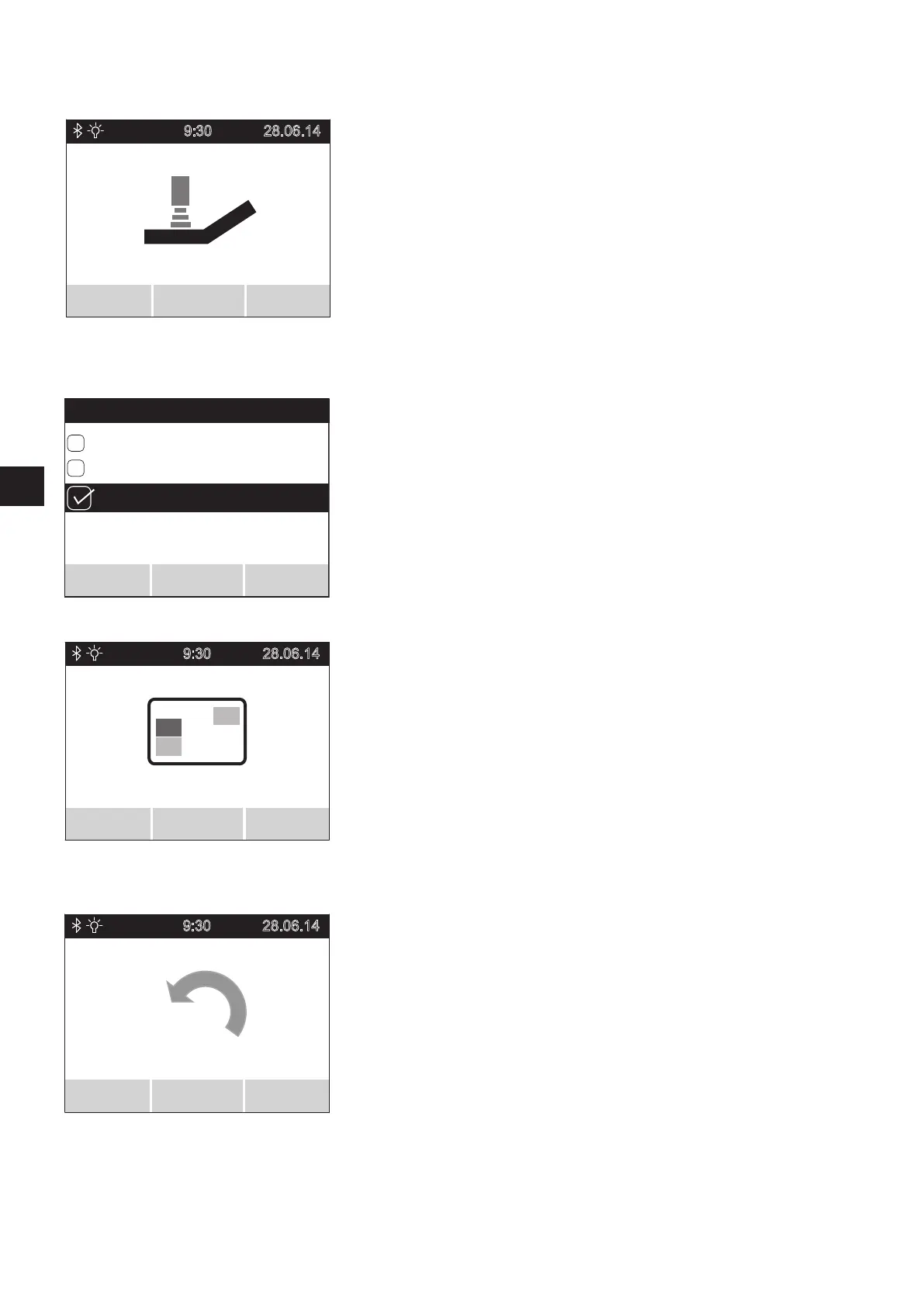
5.3.4 User mode menu
• Select the user mode menu and press the menu function button [16] to access the
associated sub menu.
• The sub menu shows the user mode screen, which lists the parameters TOUR, ECO,
SPORT and (if activated) CUSTOM.
• Move the joystick [14] forwards or backwards to move the parameters through a black
bar on the display.
• The parameter highlighted by the black bar is activated by moving the joystick [14]
to the left or right, or pressing button [16]. When the parameter is active, a ticked
square is displayed to the left.
• If the required parameter has been activated, it needs to be saved now. Press button
[15] on the control unit to save it.
• Select further menus or press button [17] again to return to the user screen.
User mode features
TOUR: Standard settings (not shown in the user screen in position [59]).
ECO: reduced acceleration and deceleration values.
SPORT: dynamic tuning of acceleration and turning performance.
CUSTOM: only active if the user features parameters have been customised in the service
menu by your specialist dealer. If CUSTOM is active, the other user modes are
deactivated.
Please contact your specialist dealer if you would like to change the features.
5.3.5 Display menu
• Select the display menu and press the menu function button [16] to access the
associated sub menu.
• The sub menu lists the parameters daily kilometres, range, time, date and start screen.
• Move the joystick [14] forwards or backwards to move the parameters through a black
bar on the display.
• The parameter highlighted by the black bar is activated by moving the joystick [14]
to the left or right, or pressing button [16]. When the parameter is active, a ticked
square is displayed to the left of the parameter.
• All parameters can be activated or deactivated.
• If one or more parameters have been activated, they need to be saved. Press button
[15] on the control unit to do this.
• Select further menus or press button [17] again to return to the user screen.
5.3.6 Reset daily kilometres menu
• Select the reset daily kilometres menu and press the menu function button [16] to
access the associated sub menu.
• The sub menu displays the reset daily kilometres screen, which indicates the kilo-
metres travelled.
• Press button [15] of the control unit to reset the daily kilometre counter to “zero”,
or button [17] to return to the user mode menu without resetting the daily kilometre
counter.
• Select further menus or press button [17] again to return to the user screen.
TOUR
ECO
SPORT
Travel mode
Save
Back
Select
9:30
28.06.14
Travel mode
Select
Back
9:30
28.06.14
Display
Select Back
9:30
28.06.14
RESET
KM counter
Select
Back



 To Next Page