REMOTE ACCESS
Connecting to the Internet
u
Download the ALC SightHD App
as follows:
APPLE DEVICE:
From your iPhone or iPad, go to the
App Store and search for ALC SightHD.
ANDROID DEVICE:
From your Android smartphone or tablet
device, go to Google Play and search for
ALC SightHD.
v
TO CONNECT VIA WI-FI:
For Apple, go to page 14.
For Android, go to the next page.
ALTERNATIVE
Internet Router (not included)
microUSB Jack
Cable
w
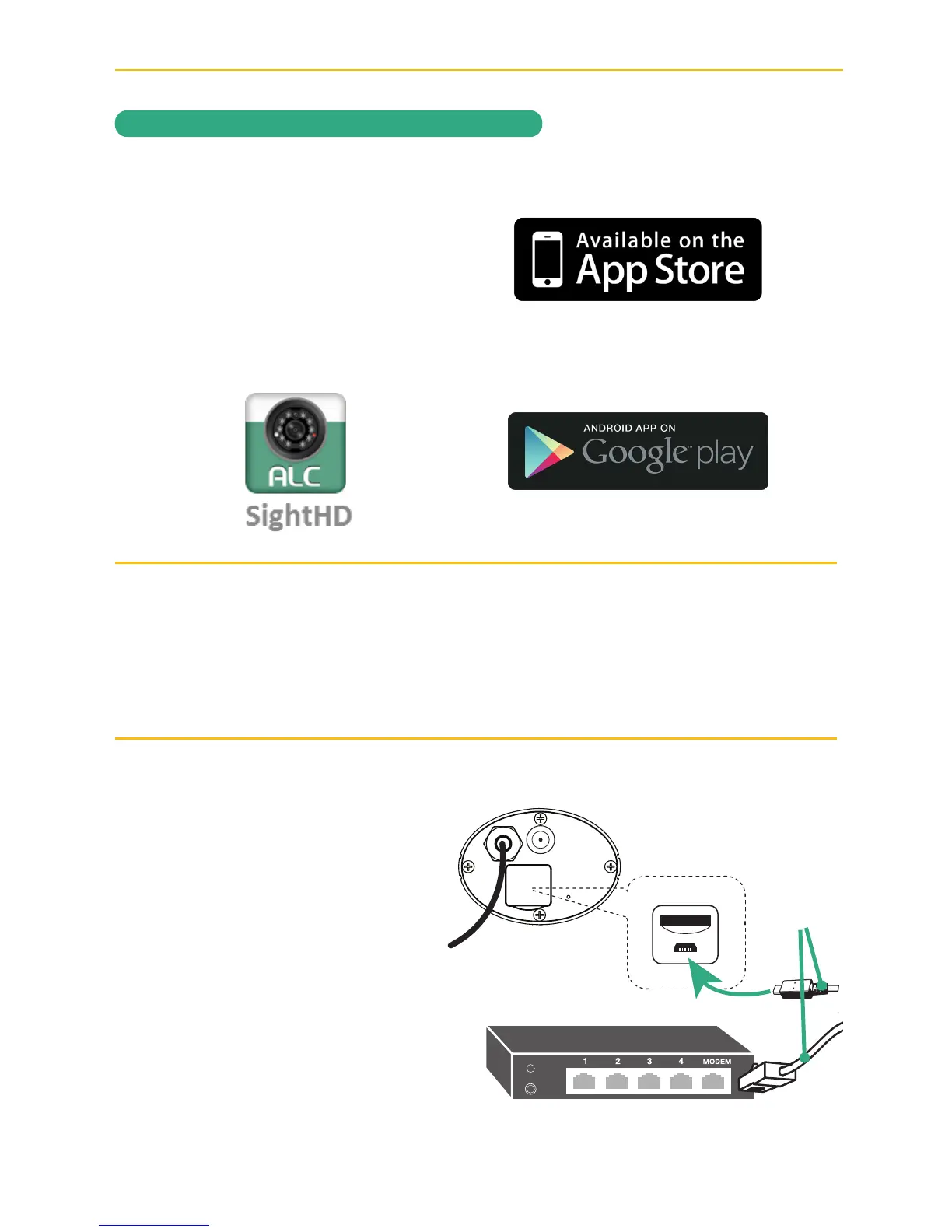
TO CONNECT VIA DIRECT
CONNECT: Before plugging
in Power to your camera,
connect one end of the supplied
MicroUSB/RJ-45 cable into the
back of the camera (under flap)
and the other end to your primary
router (from your internet service
provider).
Go to page 19 for more
instructions.



 To Next Page