— 12 —
REMOTE ACCESS
Connecting Via the Android App
u
Plug camera into an electrical outlet and
the red Power Status indicator will light
(allow the camera up to 90 seconds to
boot up). When the green Link Status
indicator begins blinking, the camera is
ready to be set up.
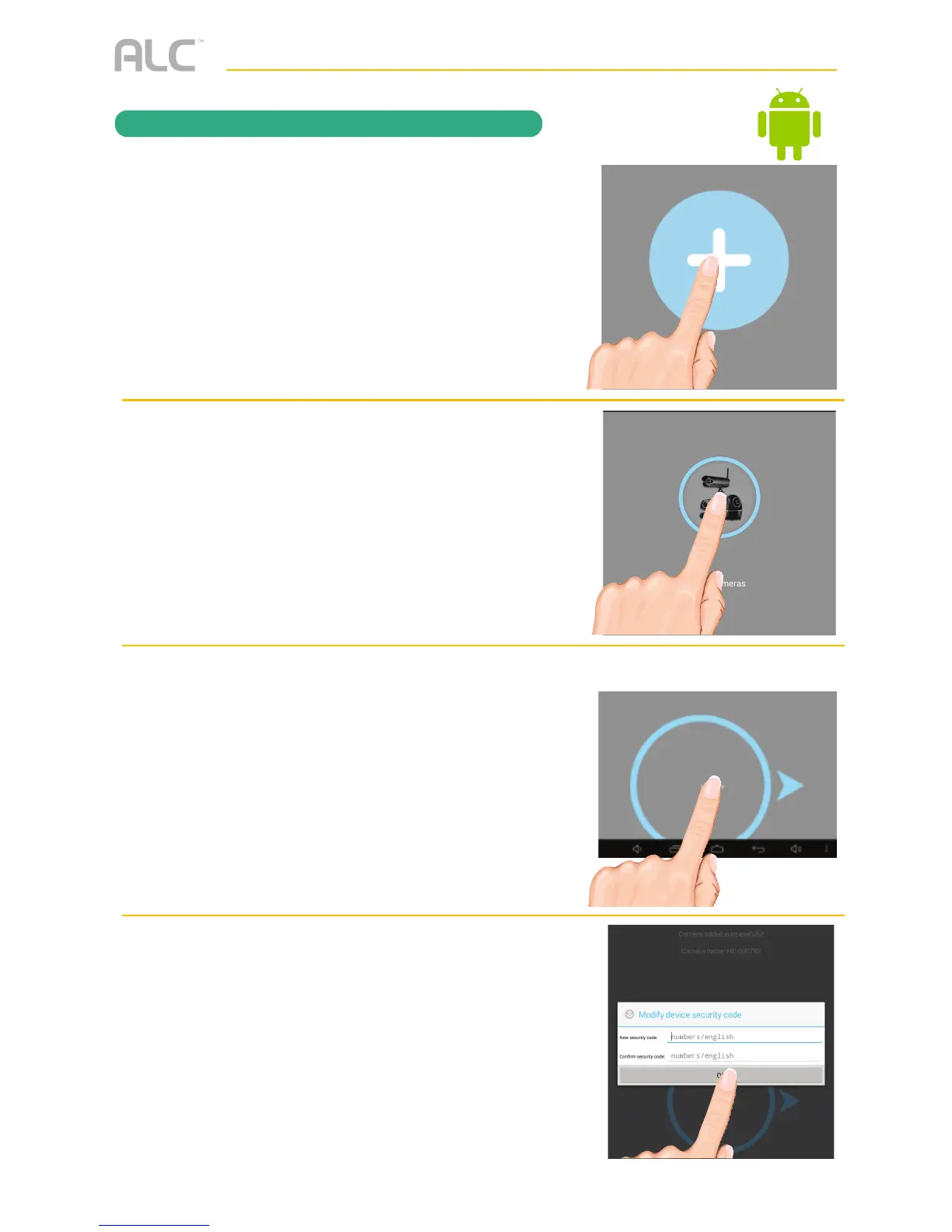
Launch the ALC SightHD App and the
Setup Wizard screen will appear.
Tap “+” to add new system.
v
Tap WiFi Cameras.
w
Tap Next. The App will start the
connection process.
x
You will then be requested to change
your security code if this is the first time
accessing the camera. Enter a security
code and remember it or write it down for
future use. Tap OK.



 To Next Page