— 14 —
REMOTE ACCESS
Connecting Via the Apple App
u
Plug camera into an electrical outlet and
the red Power Status indicator will light
(allow the camera up to 90 seconds to
boot up). When the green Link Status
indicator begins blinking, the camera is
ready to be set up.
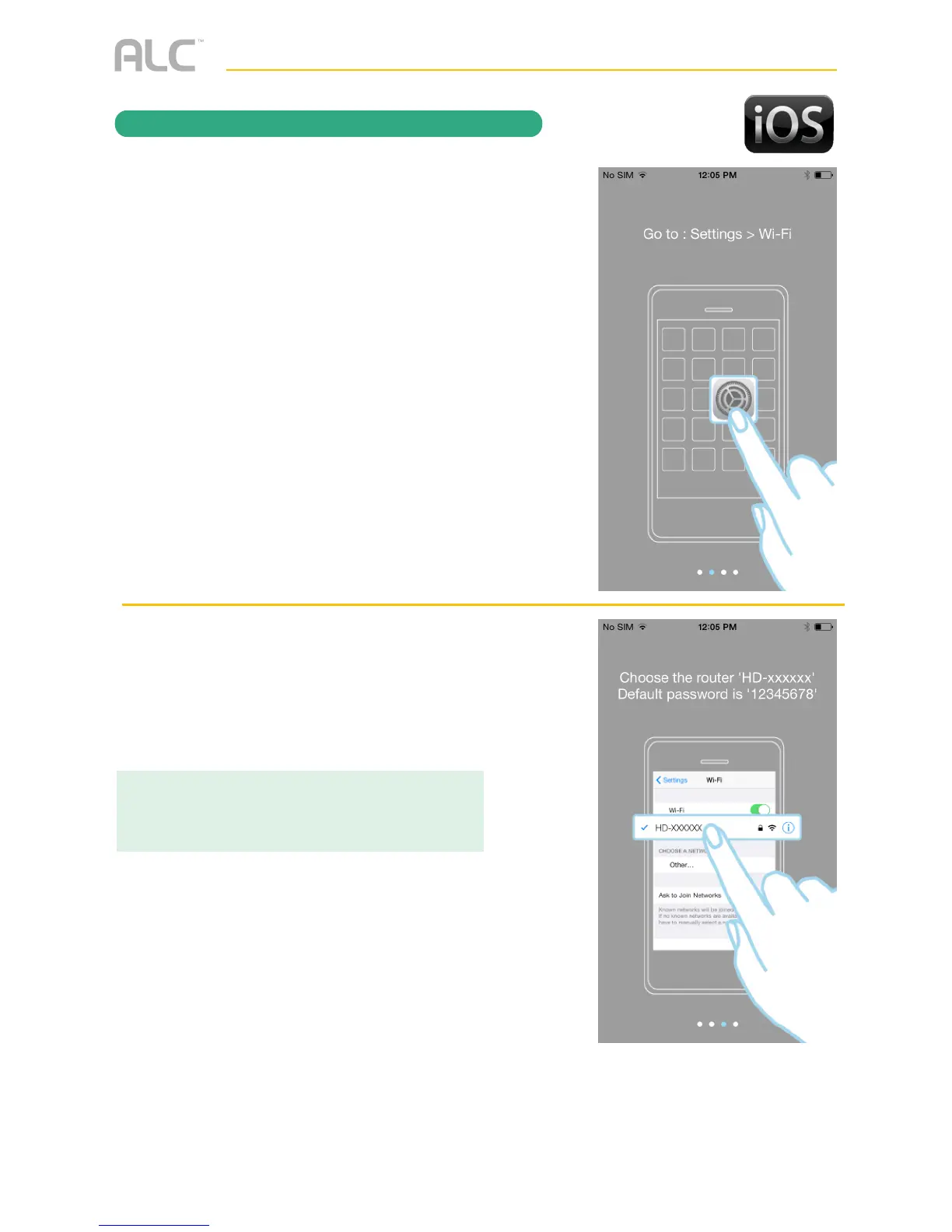
Next, on your Apple device, open the
Settings App.
v
Tap Wi-Fi, and under Choose A
Network, select the HD-XXXXX Network.
The XXXXXX will be the numbers located
on the DID Code Sticker on your camera.
IMPORTANT:
Make sure to set the Ask To Join Networks option
to on.



 To Next Page