REMOTE ACCESS
To View and/or Take Videos
Motion Recordings
w
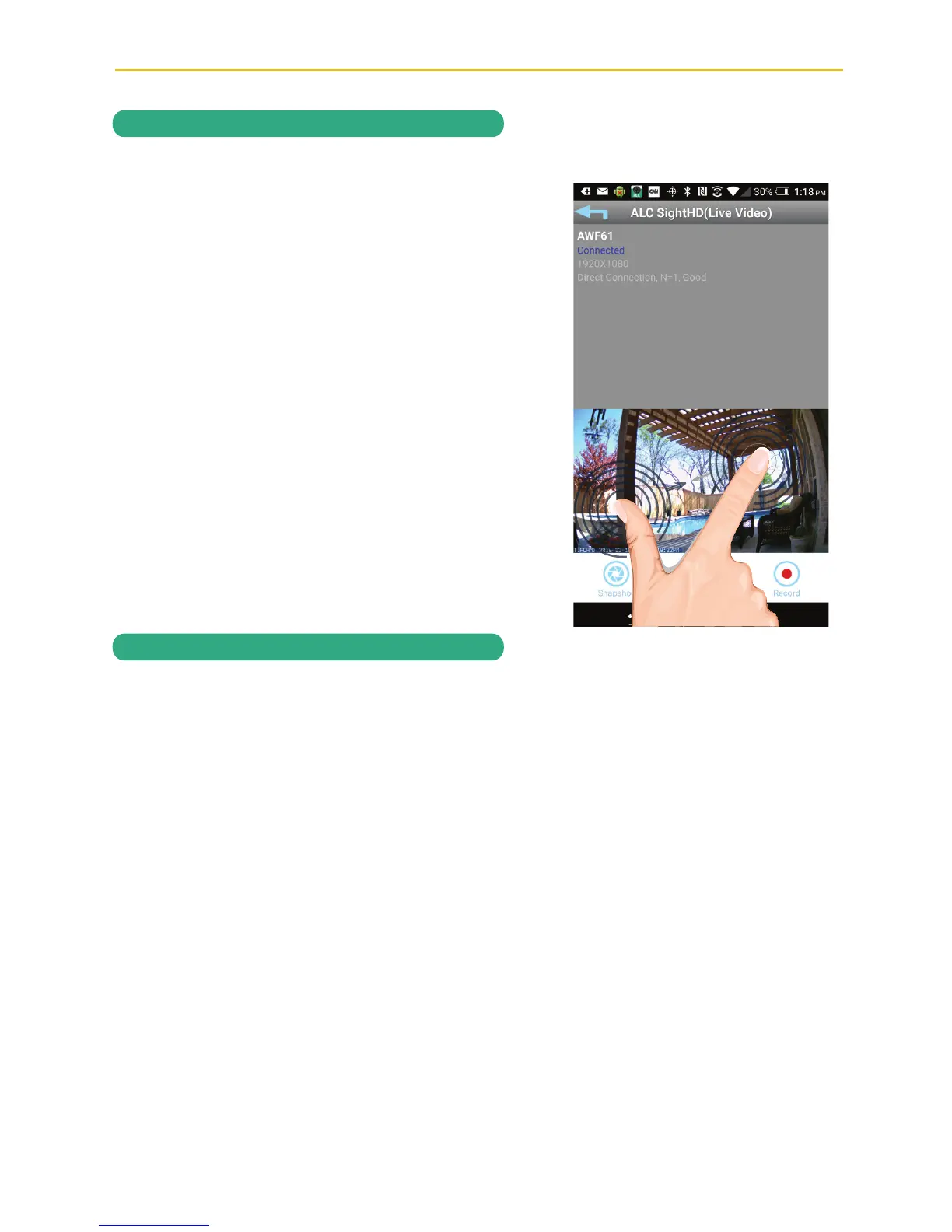
PINCH AND ZOOM: To zoom in or out,
use the simple pinch and zoom gesture
with this app.
u
If set to Software Sensitivity when motion is detected on the video camera, the camera
will automatically record for one minute and then stop recording. See Sensitivity Settings
on page 46.



 To Next Page