— 28 —
REMOTE ACCESS
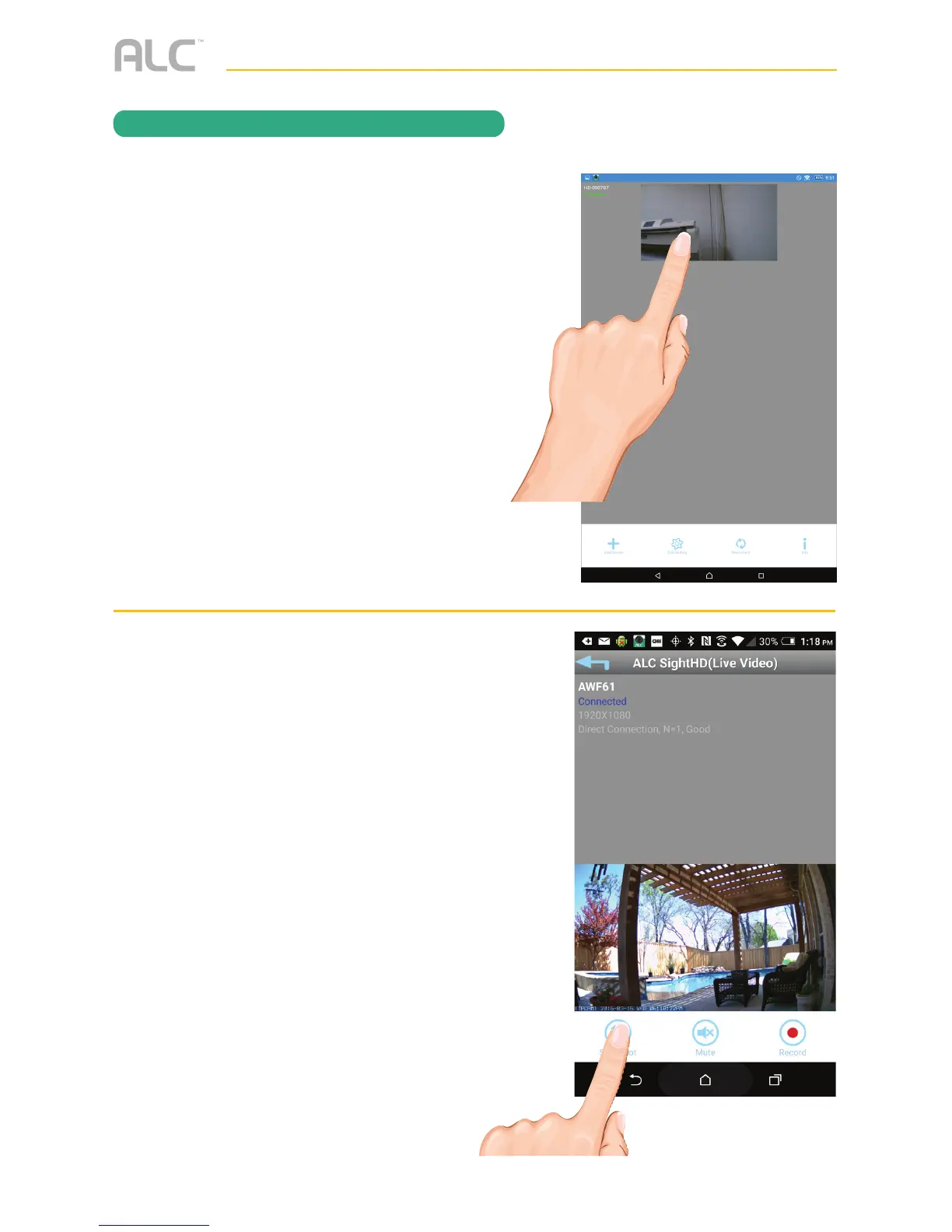
To Take Snapshots
u
From the Main screen, tap to remote
view your camera system.
v
Tap the SNAPSHOT icon to take
a snapshot of the current image;
“Snapshot is successful” will appear
briefly.
To View Snapshots
FOR iOS:
Your snapshots will be named with the time
stamp and saved into the Camera Roll >
snapshot folder on your Apple device.
FOR ANDROID:
Your snapshots will be named with the time
stamp and saved into the Photo gallery >
snapshot folder on your Android device.



 To Next Page