REMOTE ACCESS
ALC SightHD App Icons
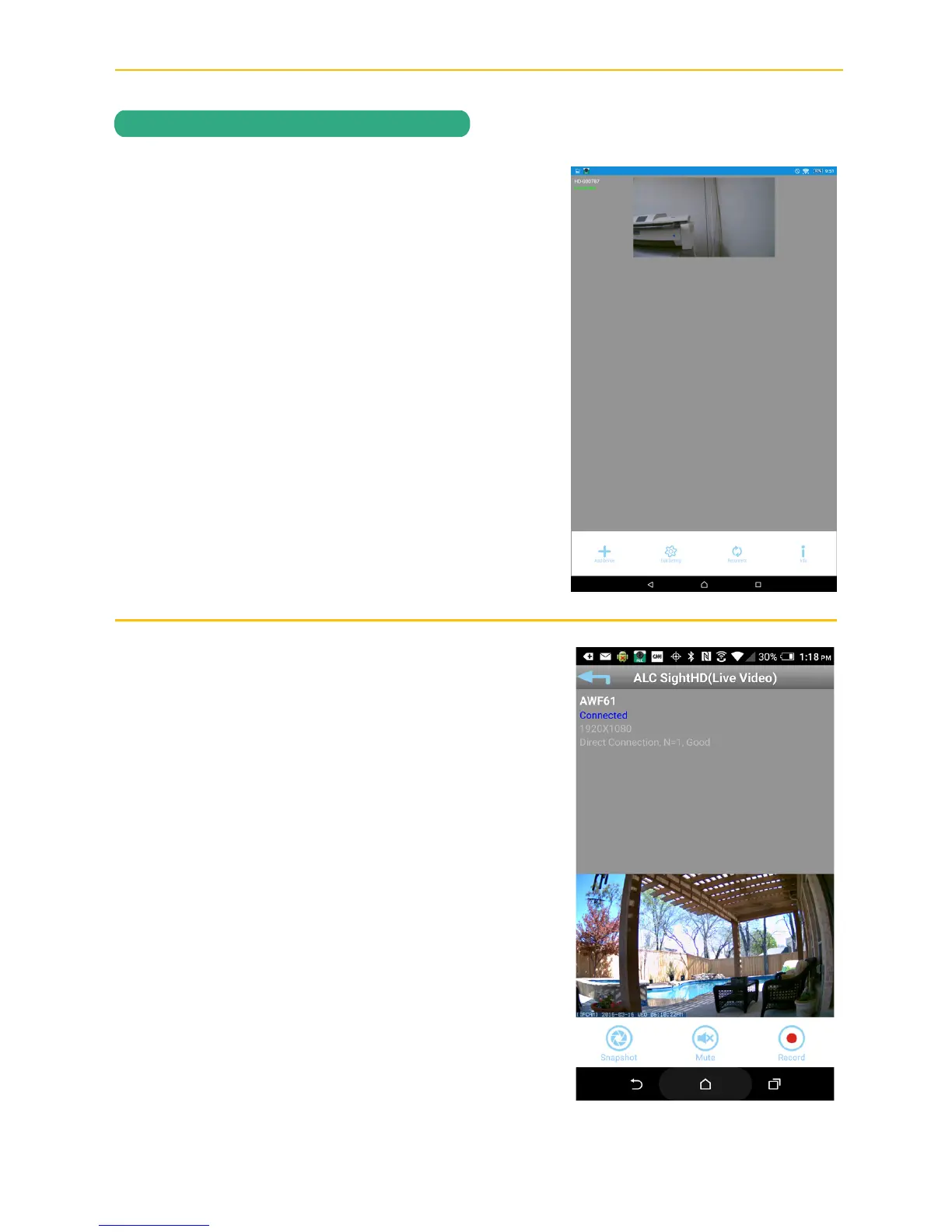
Main Screen
A still picture (or two arrow icons) will appear
when on the main screen. Tap the still screen
to access the live video screen.
See the next page for icon descriptions.
Live View Screen
The following icons appear when on the
Live View Screen. See page 26 for icon
descriptions.
If desired, rotate the Android or Apple device
90° for full screen landscape viewing. The
icons will not appear when viewing in this
landscape mode.



 To Next Page