— 24 —
REMOTE ACCESS
Connecting Using Ethernet Cable
am
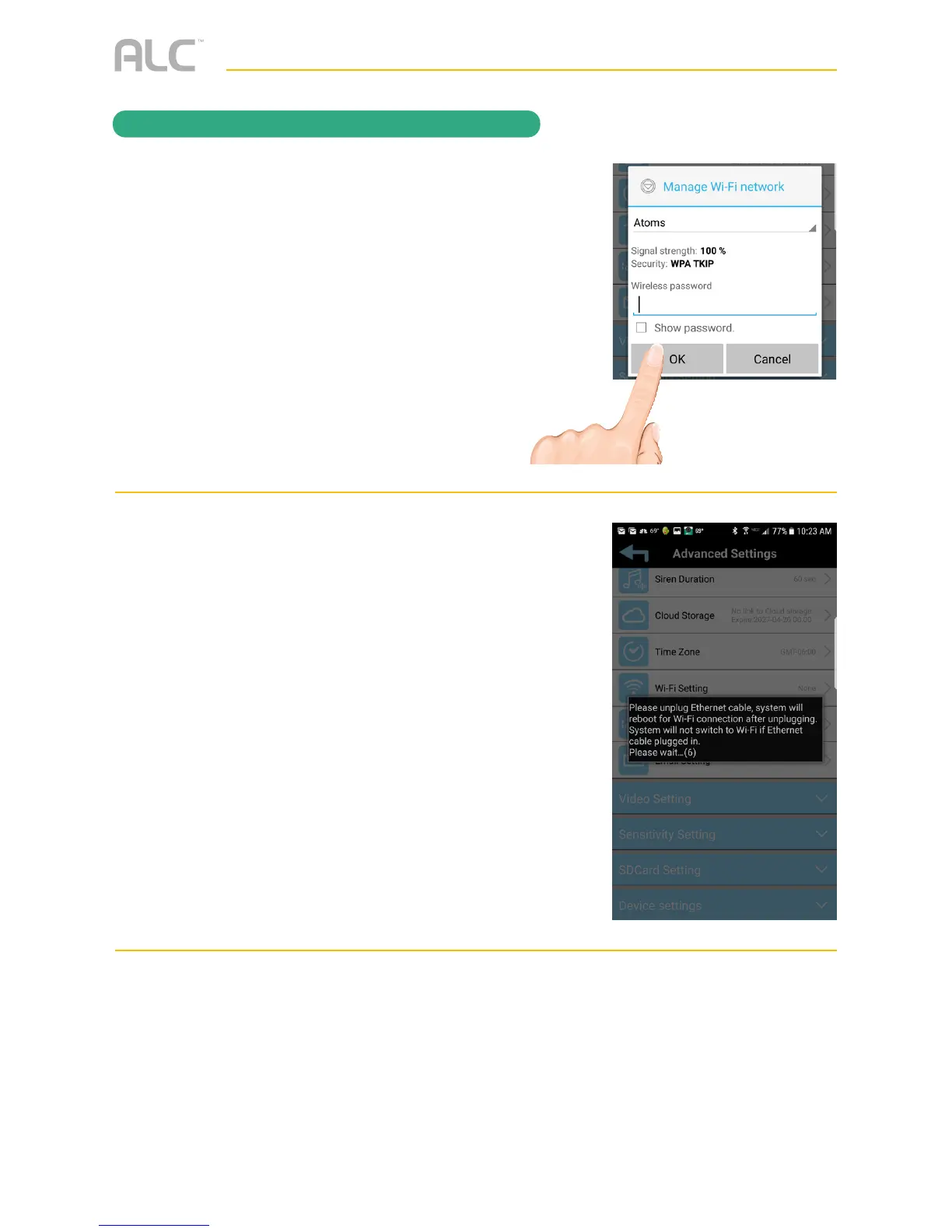
Enter your Wi-Fi password. Tap OK.
an
Unplug the Ethernet cable from the
camera.
ao
The camera will reboot during the 90
second countdown and will be connected
to your Wi-Fi after this process is
complete.



 To Next Page