REMOTE ACCESS
To Delete Videos
u
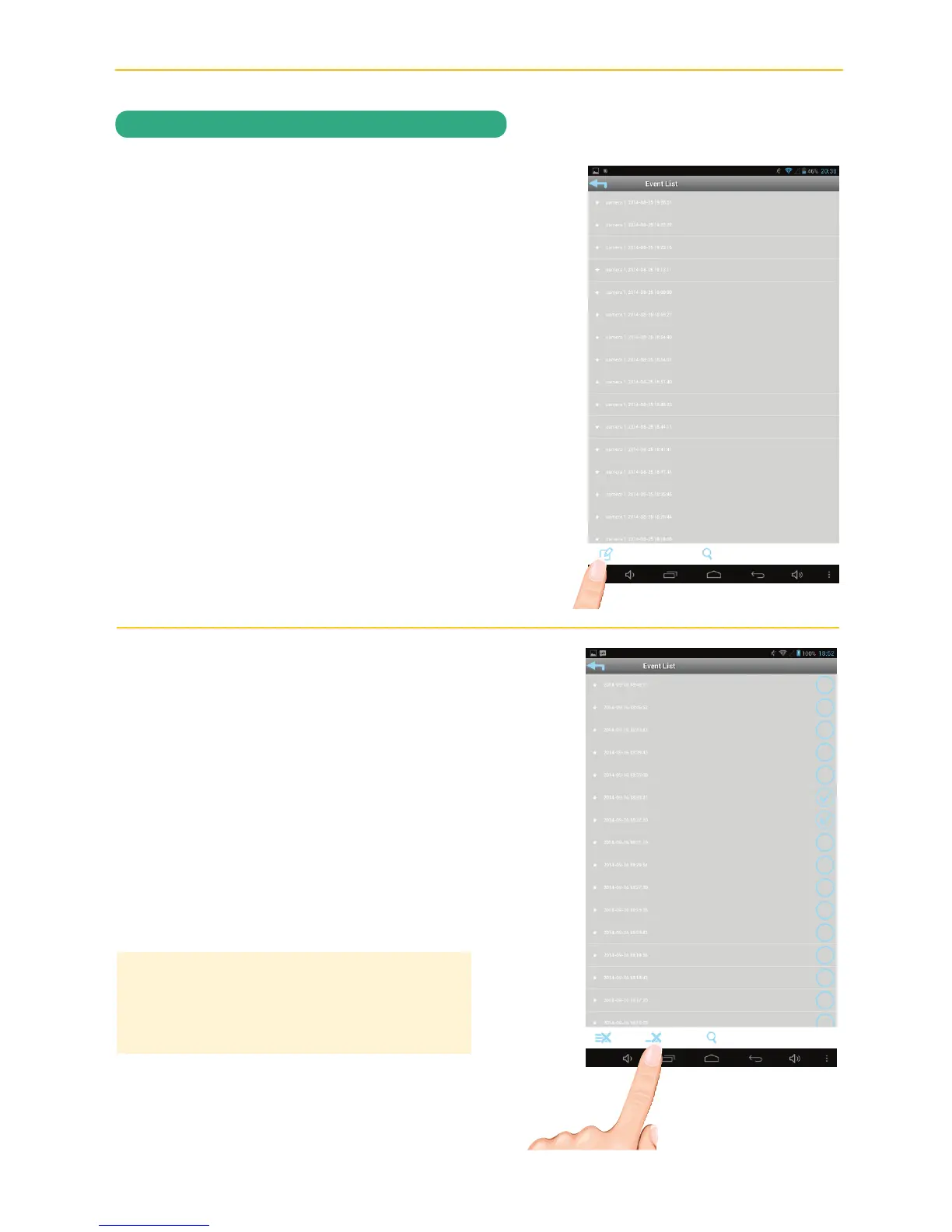
Access the Events List as shown on
pages 32-33.
Tap the Edit Icon.
v
ANDROID: Select the file you wish to
delete (a check mark will appear in the
box to the right of the selected file) then
tap the Delete One icon.
A pop-up box will appear asking you to
confirm; tap Yes.
APPLE: Tap Delete One (“–” will appear
next to the files). Tap the “–” and then
tap Delete to delete the file.
ANDROID TIP: To delete several files at the
same time, select the files you wish to remove
(check marks will appear to the right of the
selected files) then tap the Delete One icon.



 To Next Page