— 34 —
REMOTE ACCESS
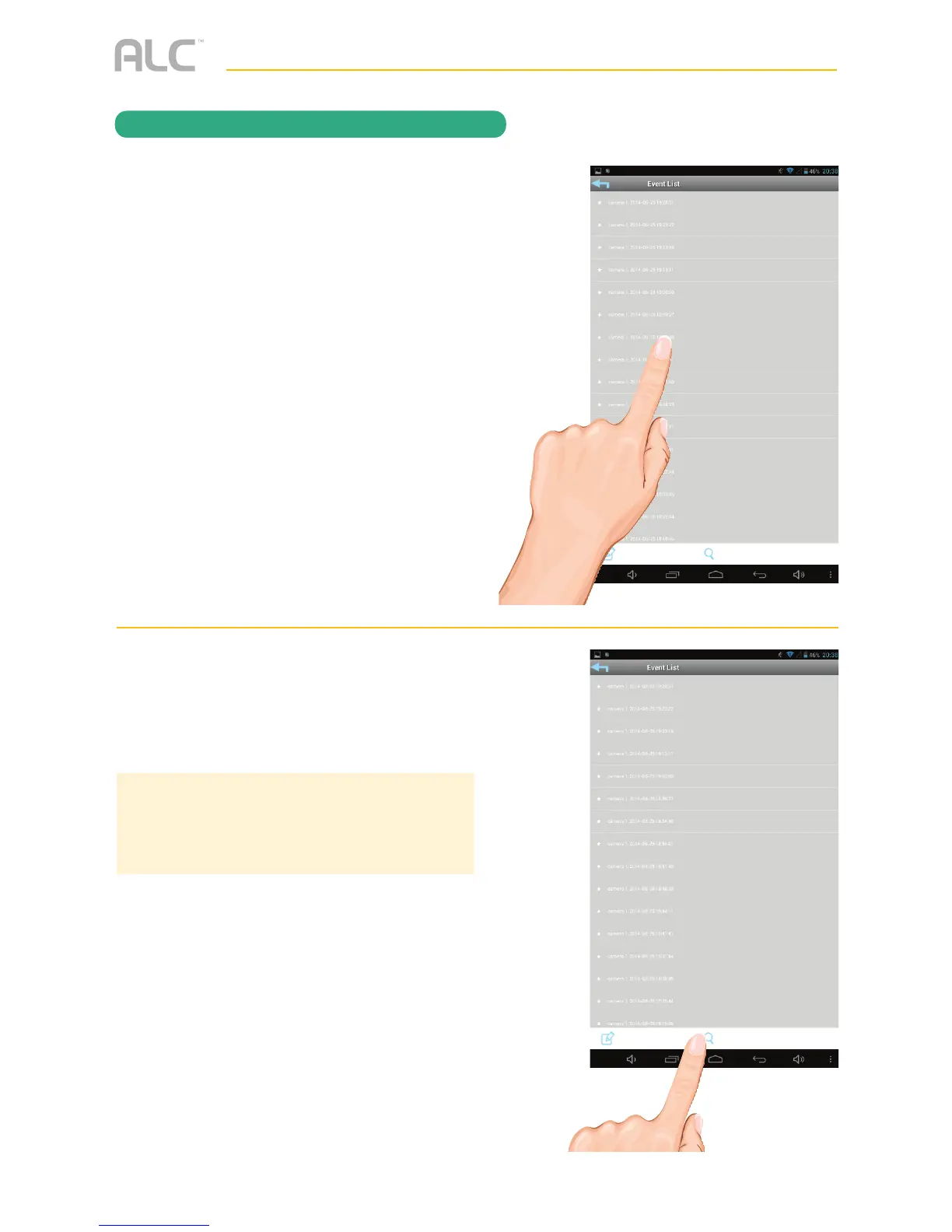
To Play Videos
y
Tap the video name once to play the
video clip.
When playing back a video, tap the Pause icon
to pause the video. Tap again to resume.
DOWNLOAD A VIDEO: To download a video
to your Android or Apple device, press and hold
the file name and it will download to your device.
U
To Set Display Filter: To filter the Date/
Time again, simply tap the Magnifying
Glass while in the Events List.
TIP: When you set a filter, be sure the Time Zone
feature is set accurately in the tablet/phone to
reflect the current time zone the camera is at, not
the time zone where you are. See page 45.



 To Next Page