REMOTE ACCESS
Connecting Via the Android App
y
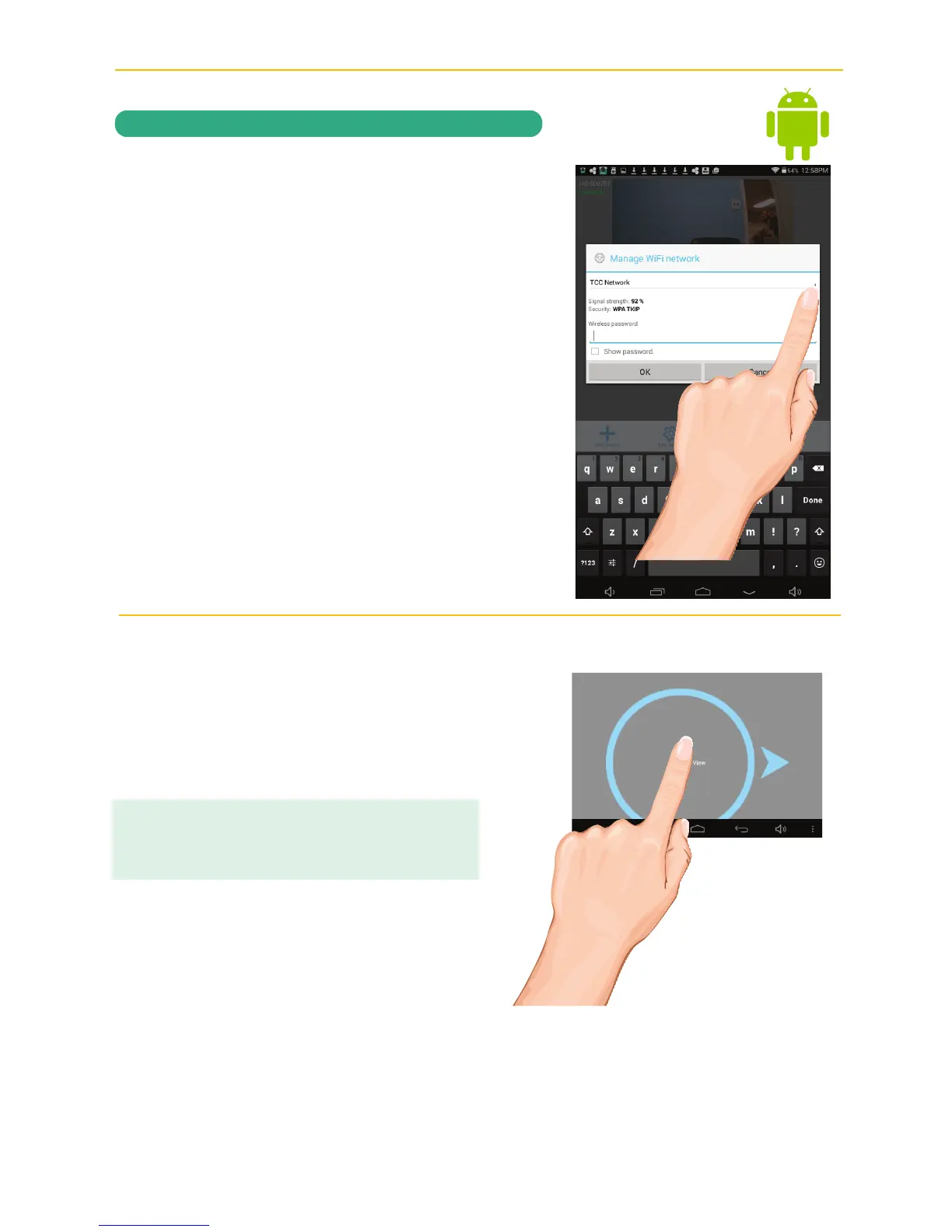
The Manage Wi-Fi Network pop-up box
will appear. Select your home network
from the pull down menu, and then enter
your home network’s Wireless Password.
Tap OK.
U
Tap Live View; “Waiting for system to
connect Countdown” will appear. The
system will reboot the camera and when
it counts down to 0, tap the picture for
live video.
Go to page 26 for details on the icons
and operation.
IMPORTANT:
If the camera does not connect, enter the android’s
Settings App and select your network.



 To Next Page