— 38 —
REMOTE ACCESS
Information Screen Options
w
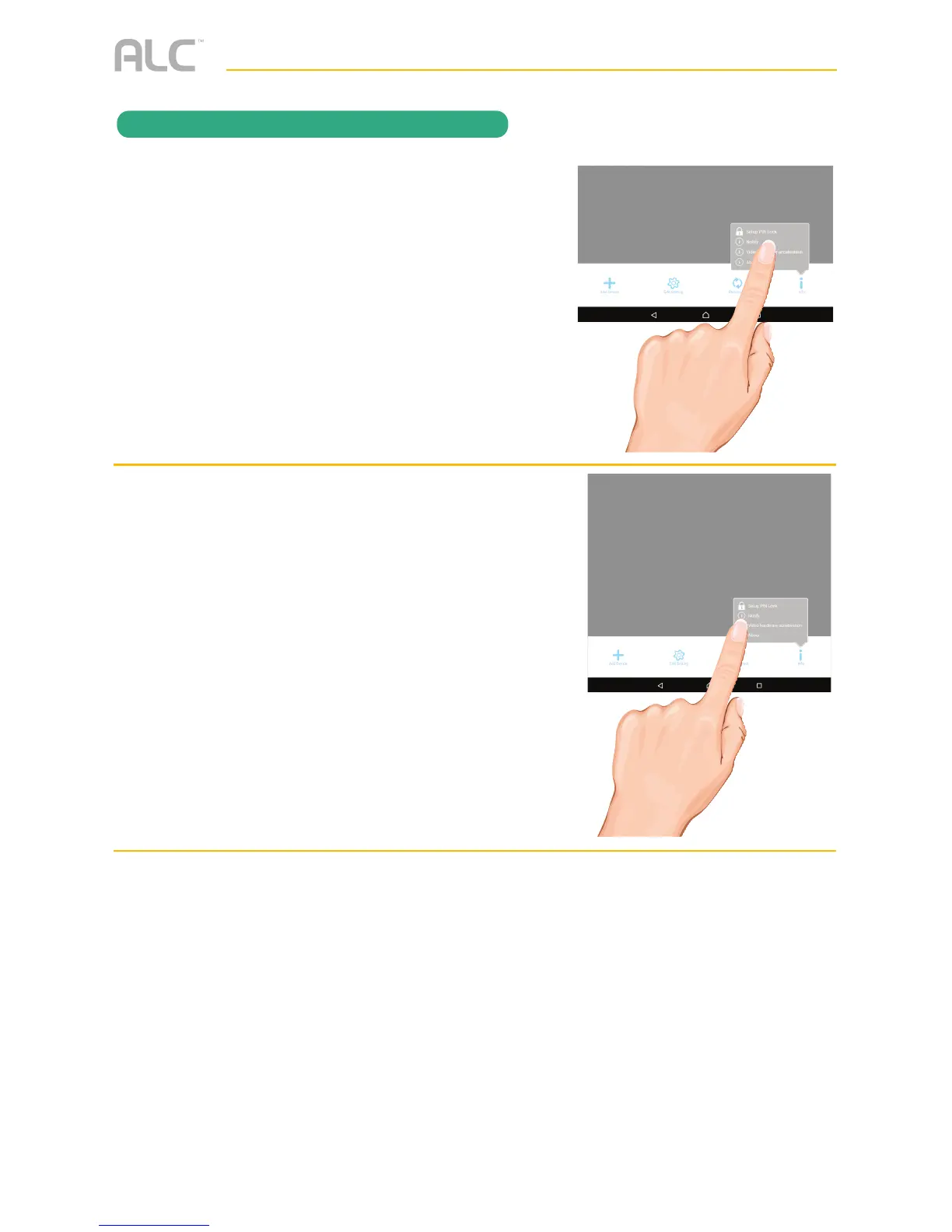
ANDROID DEVICES: To set up the
App so you will get notified when
motion has been detected, tap Notify.
Tap the Notify Enable box, then tap
OK. When motion is detected, you will
receive notifications.
x
Tap Video Hardware Acceleration, tap
the Video Hardware Acceleration
box and then tap OK to activate Video
Hardware Acceleration.
APPLE DEVICES:
u Launch Settings/System Preferences from your Home screen on the Apple device.
v Tap Notification Center; a list of Apps will appear.
w Scroll down to find “ALC SightHD” App and click on it.
x The Setting screen displays. Turn the notification ON or OFF as desired.
Note: It takes time for the changes to take effect in iOS, normally within two hours.



 To Next Page