Getting to know your telephone
8 /45 8AL90627ENAA ed02
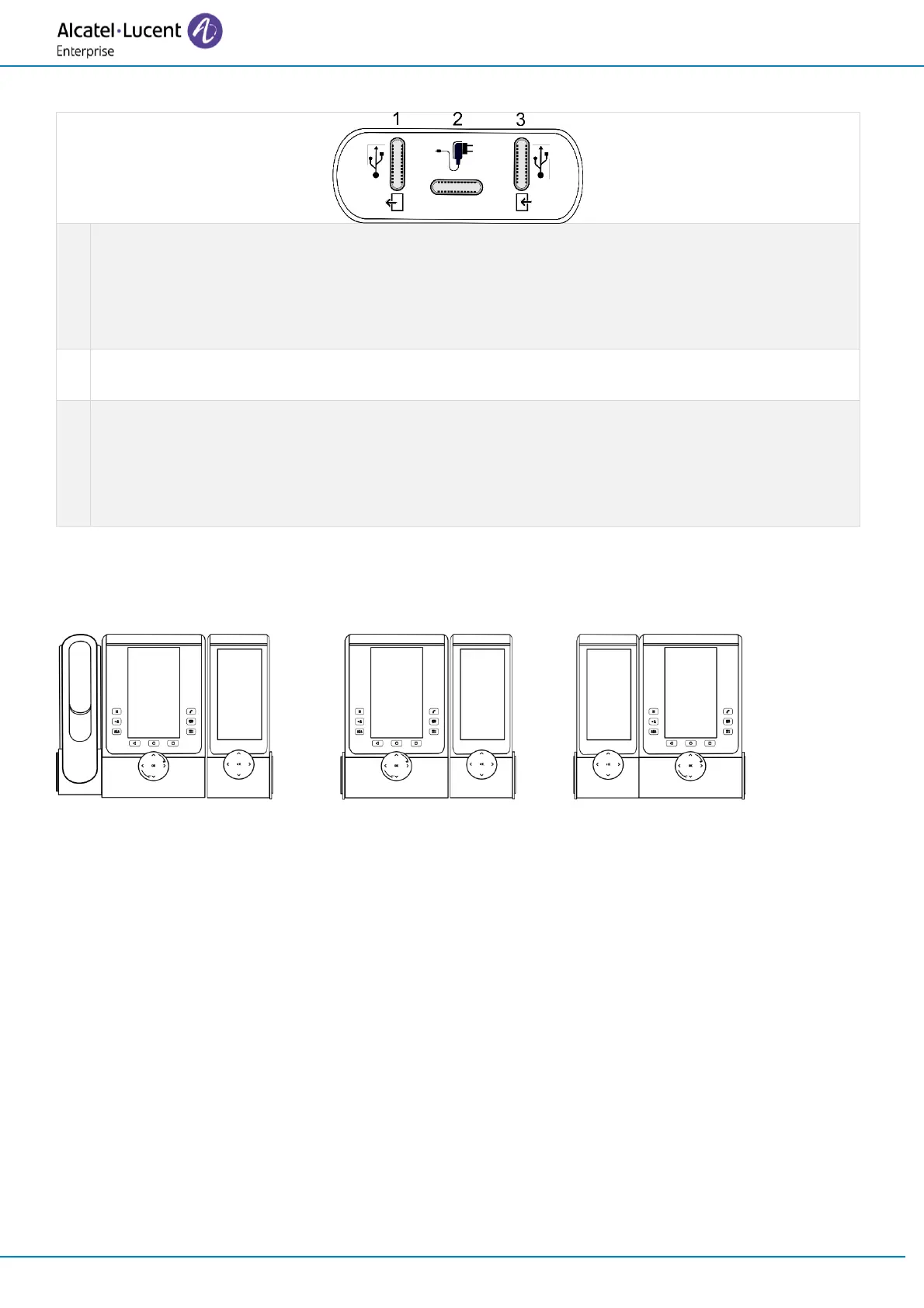
1.1.2.3 Connectors
Universal Serial Bus (USB-C) connector.
Use this connector to plug in an additional accessory. If available, you can use this
connector to plug in a headset.
Use this connector to connect the USB key to update (see the chapter below).
Universal Serial Bus (USB-C) connector.
Use this connector to plug a power through USB.
Universal Serial Bus (USB-C) connector.
Use this connector to plug in the accessory to the desk phone or to another accessory that
is already connected. If available, you can use this connector to plug in a headset.
Use this connector to connect the PC to update (see the chapter below).
1.1.2.4 Installation
The module can be installed on the right or left side of the desk phone if you are not using the
handset. With the handset connected, it has to be installed on the right side.



 To Next Page