- 13 -
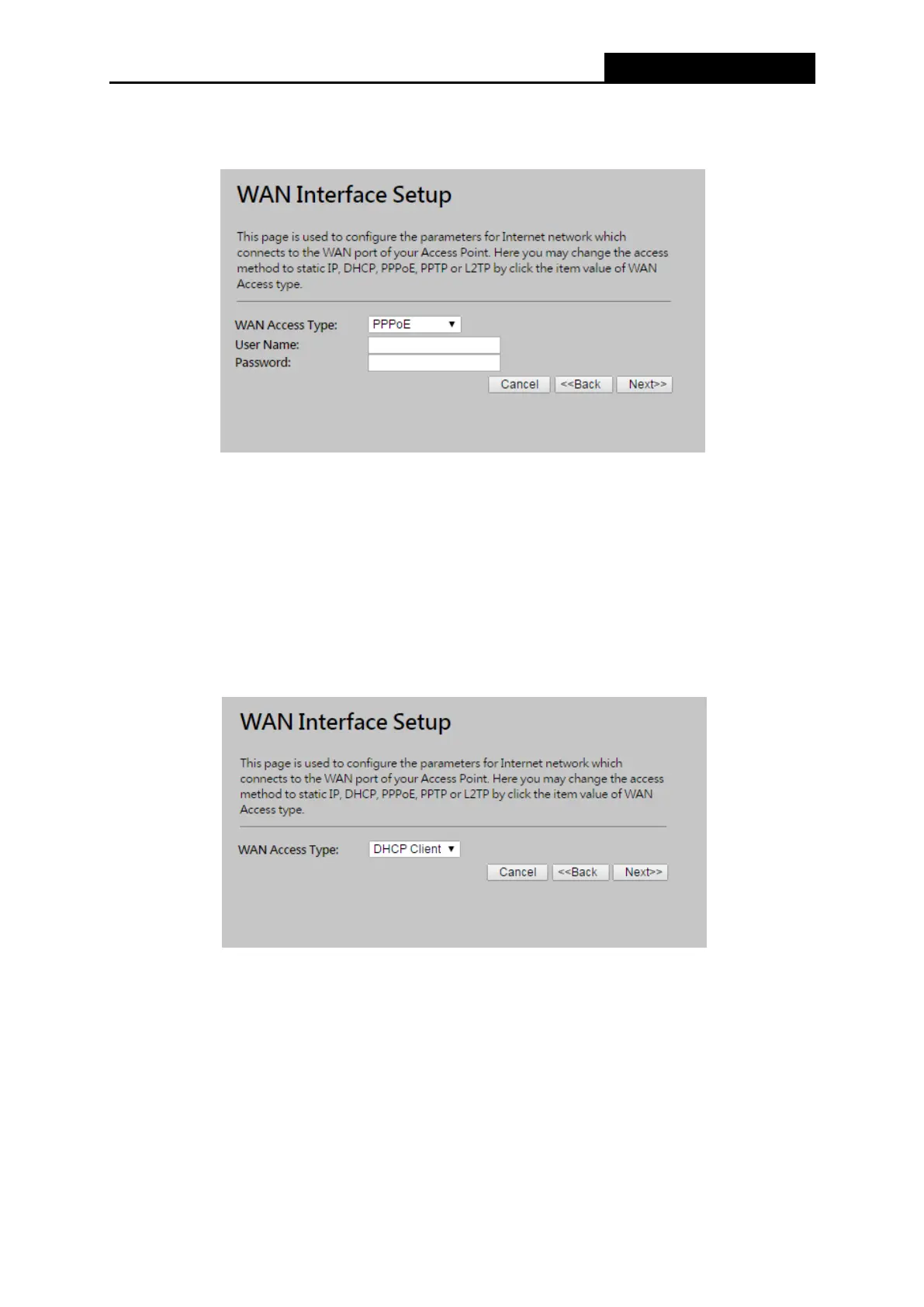
a) If the connection type is PPPoE, then select it from drop down menu as shown below.
Enter the User Name and Password provided by your ISP, and click Next.
Figure 3-8 Quick Setup - WAN Interface Setting
User Name/Password - Enter the User Name and Password provided by your ISP.
These fields are case sensitive. If you have difficulty with this process, please contact
your ISP.
b) If the connection type detected is DHCP Client, the next screen will appear as shown in
Figure 3-9. You can then proceed with the wireless configuration.
Figure 3-9 Quick Setup - DHCP
c) If the connection type detected is Static IP, the next screen will appear as shown in
Figure 3-10.



 To Next Page