Document 90-00073D Algo Communication Products Ltd (604) 454-3792
2016-09-29 4500 Beedie St Burnaby BC Canada V5J 5L2 support@algosolutions.com
Page 25 www.algosolutions.com
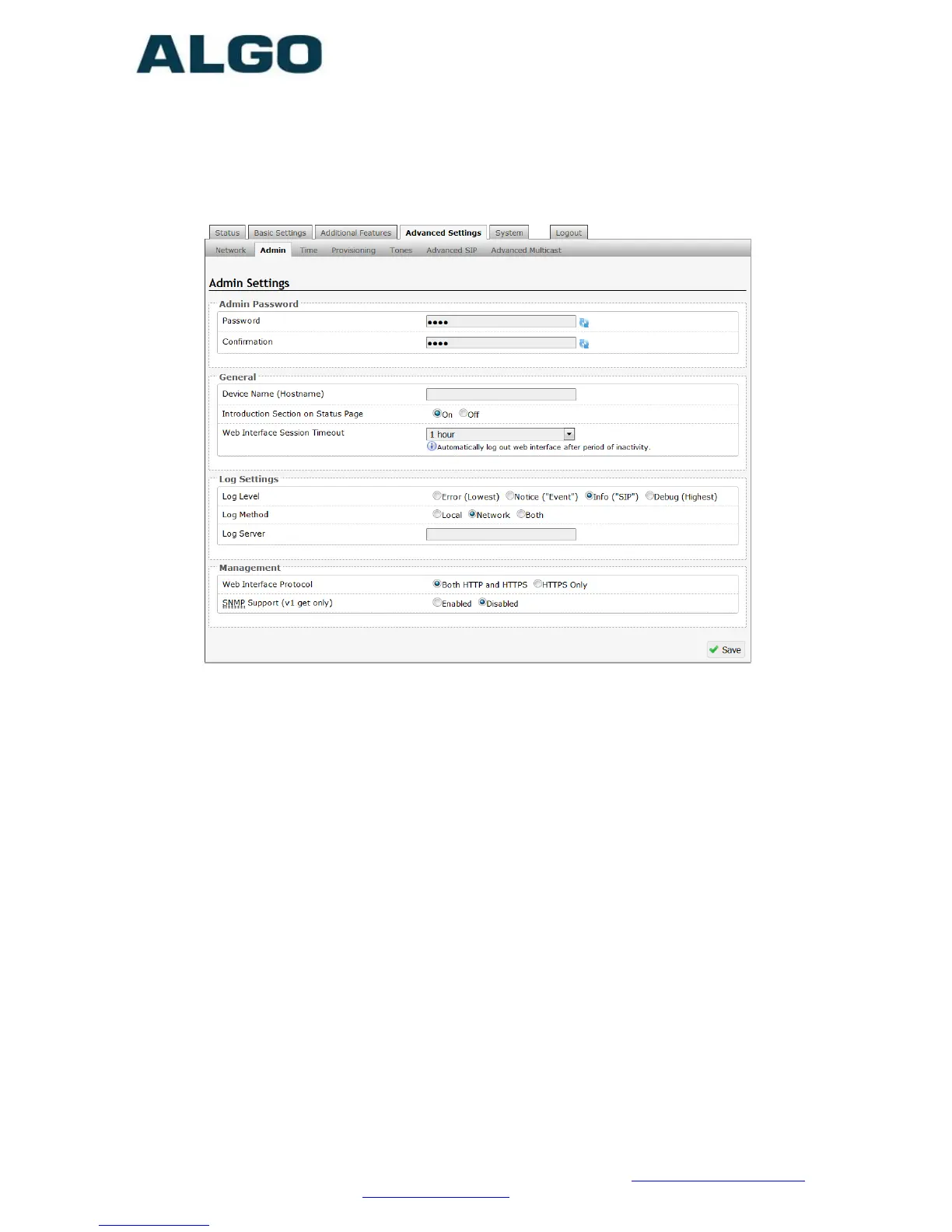
Advanced Settings Tab – Admin
Password
Password to log into the 8201 SIP PoE Intercom web interface. You
should change the default password algo in order to secure the
device on the network. If you have forgotten your password, you will
need to perform a reset using the Reset Button in order to restore
the password (as well as all other settings) back to the original
factory default conditions.
Confirmation
Re-enter network admin password
Device Name (Hostname)
Name to identify the device in the Algo Network Device Locator Tool.
Introduction Section on Status Page
Allows the introduction text to be hidden from the login screen.



 To Next Page